Using the Océ TDS400 to Print 27
HowtoturnonandturnofftheOcé
TDS400 printer
To turn on the system:
■ turn on the printer.
■ turn on the scanner (see page 53).
■ turn on the controller(see page 28).
When you turn on the system, it is ready for operation. In this state, the
machine is in the stand-by mode.
If the system is not in use for more than 1 minute, the operator panel returns
automatically to the stand-by mode. The operator panel of the scanner is
activated in the following conditions:
■ youfeedanoriginal
■ a key on the operator panel is pressed
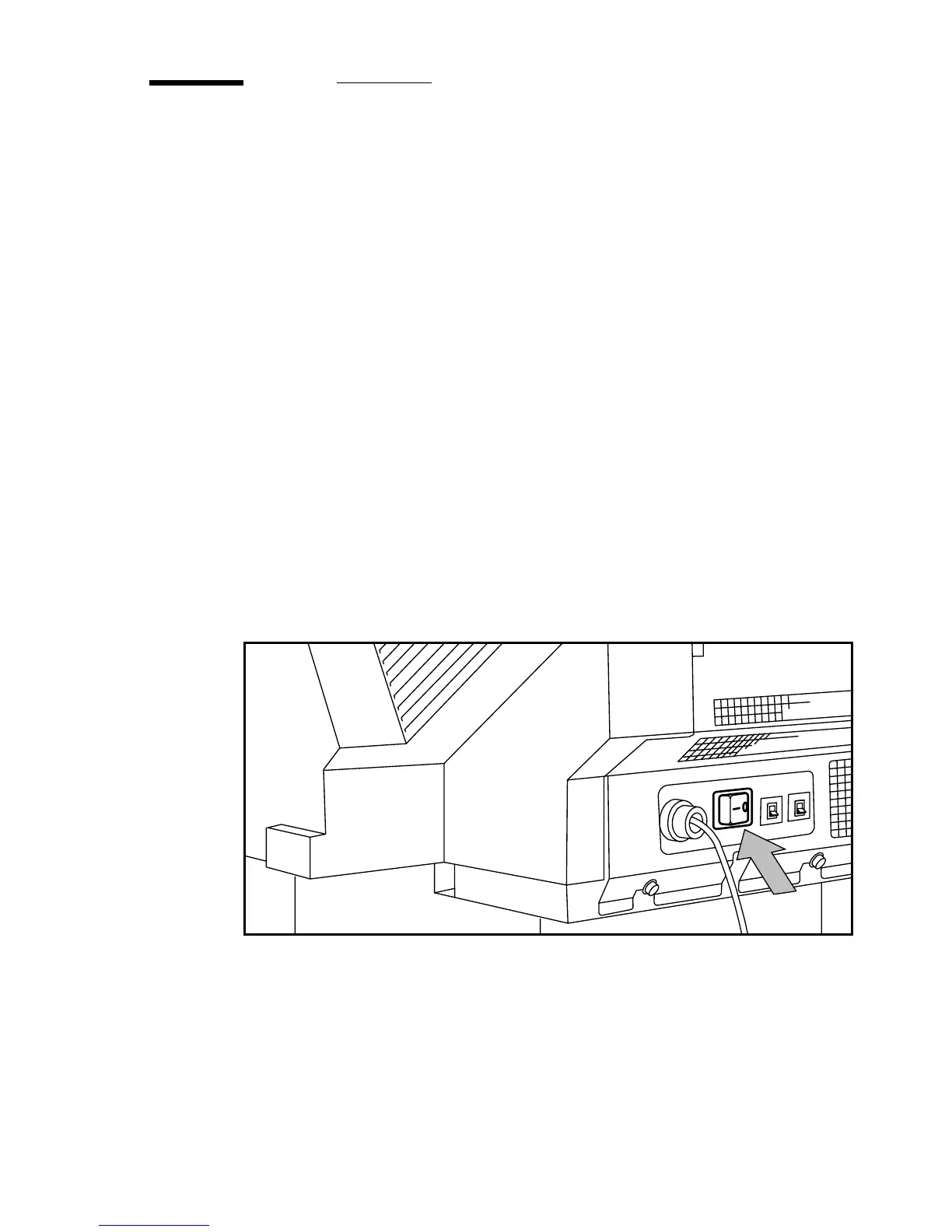
▼ Turn on the printer
1
Set the ON/OFF switch at the rear of the printer to position ‘1’ (see Figure 6).
If the power supply is connected, the green switch lights.
[6] On/off switch of the printer
Note: When ‘Ready’ is displayed on the operator panel, the printer is ready for
use.



 To Next Page