182 Océ TDS400 User Manual
Paper jams in the folder
Any jams in the folder can occur in either the first fold section, the folder
transport section, the second fold section or the belt unit (see page 196).
Paper jam in the first fold section
▼ How to clear a jam in the first fold section
1
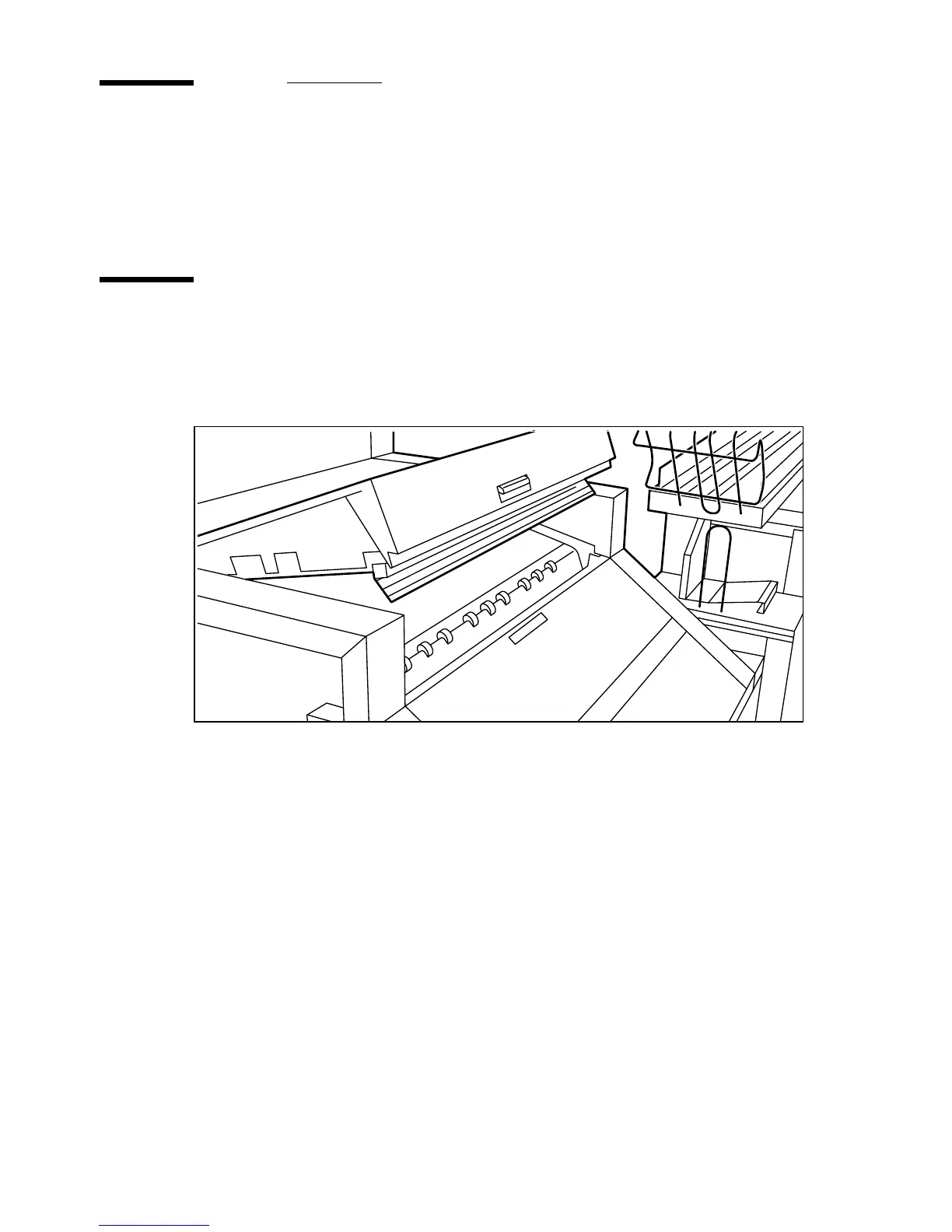
Open the top cover of the folder (see Figure 97).
The green light on the right of the folder is blinking quickly.
[97] Top cover of the folder
2 Remove any jammed printing material.
3 Open the cover of the first fold section (see Figure 98).



 To Next Page