Troubleshooting 183
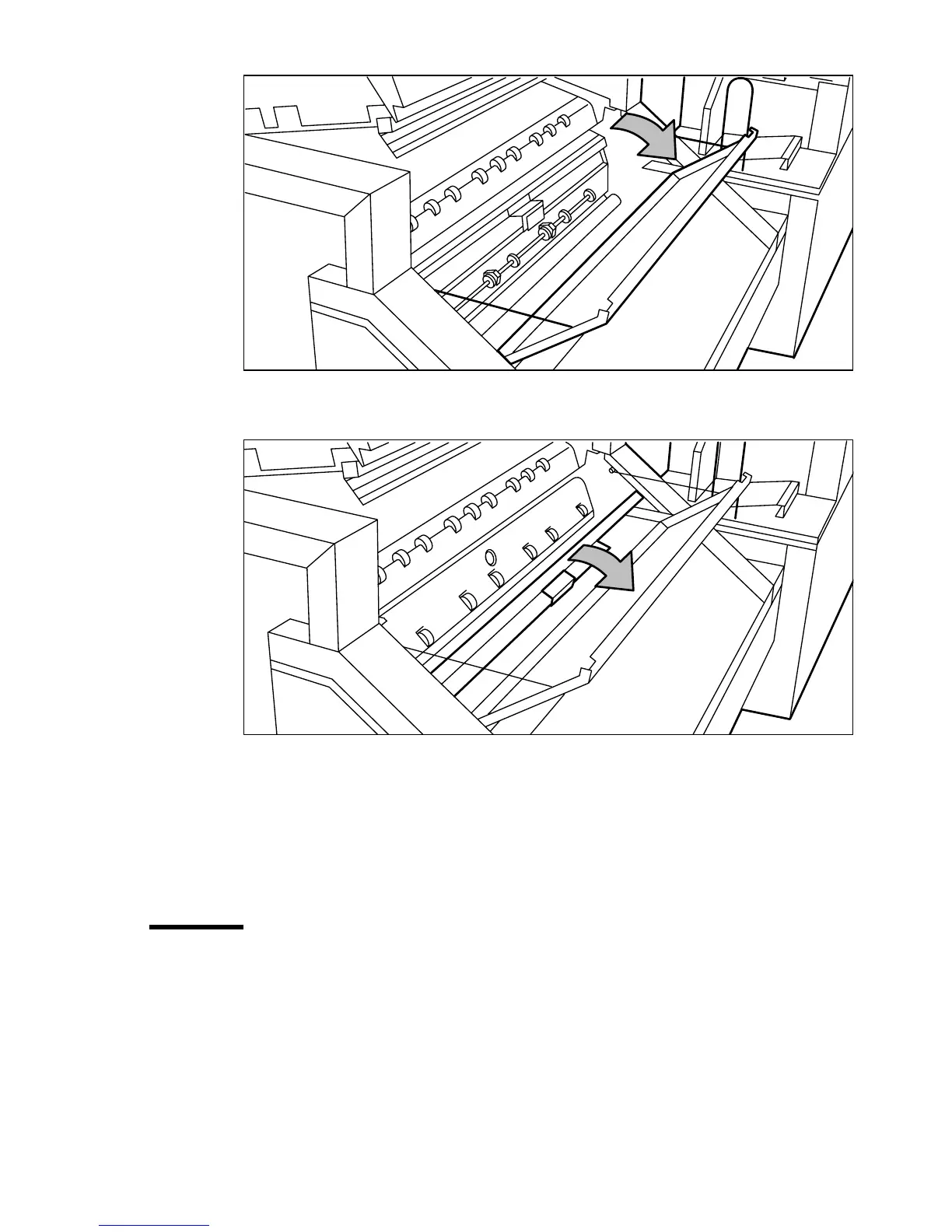
[98] Opening first fold section
4 Open the guide plate (see Figure 99).
[99] Opening guide plate
5 Remove any jammed printing material.
6 Close the guide plate.
7 Close the cover of the first fold section.
8 Close the top cover of the folder.
Paper jam in the folder transport section
▼ How to clear a jam in the folder transport section
1
Open the cover of the transport to the first fold delivery (see Figure 100).



 To Next Page