Printer Supplies and Maintenance 153
Reload paper
▼ How to load roll 1
1
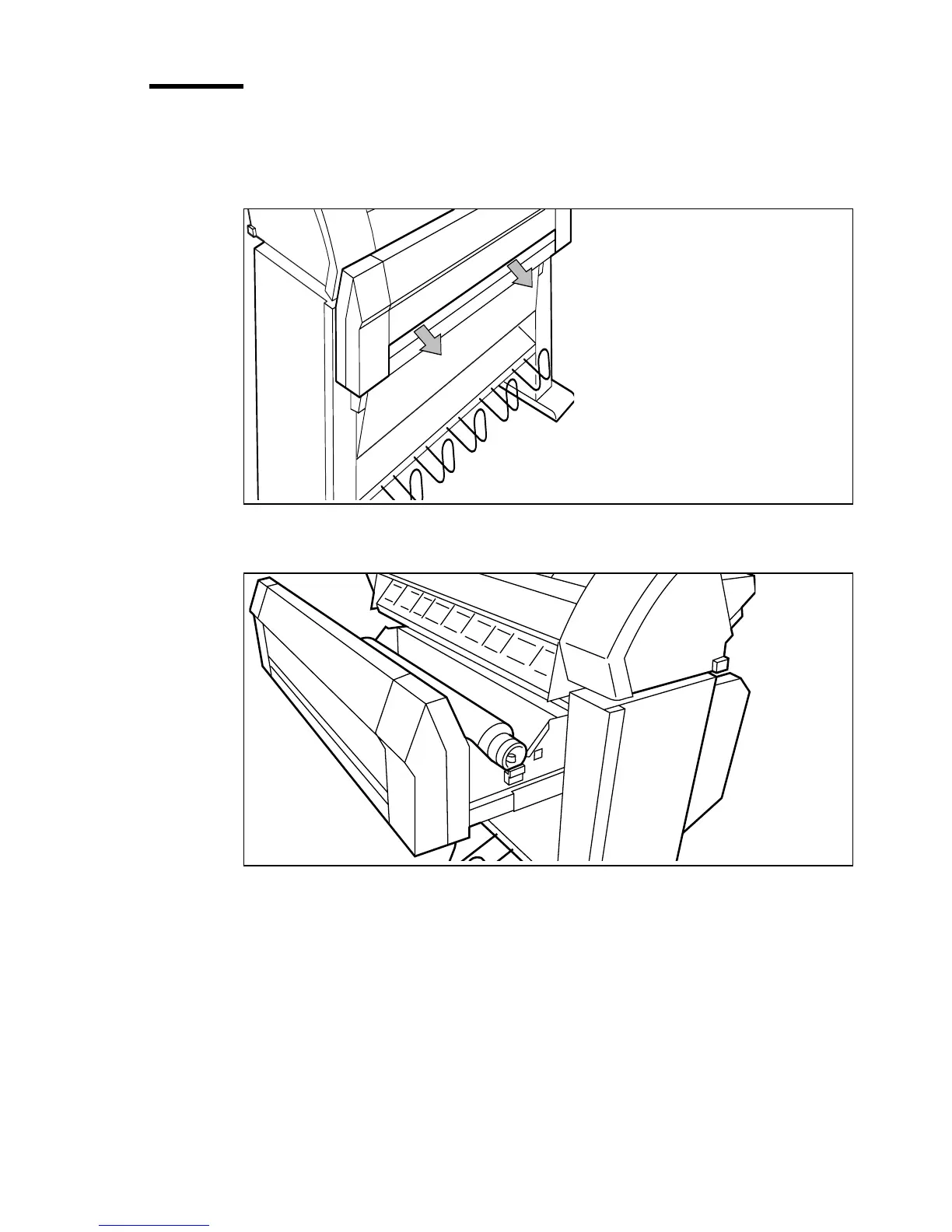
Open the drawer completely (see Figure 57).
[57] Open the drawer
2 Remove the roll holder from the drawer (see Figure 58).
[58] Removing the roll holder from the drawer
3 Remove the empty core from the roll holder while pressing the knob (see
Figure 59).
4 Slide the roll holder in the new roll of material while pressing the knob (see
Figure 59). The knob must be at the right hand side and paper must be
positioned as shown in figure 59.



 To Next Page