102
GAUGE MODE
When Gauge Mode (GAUG) is selected as the Dive Computer Operating Mode,
the GEO will operate as a Digital Depth Gauge/Timer without performing nitrogen
and oxygen calculations.
• To access GAUG Operating Mode while Watch MAIN TIME is displayed,
press the M button 2 times (2 seconds each time); or while the NORM SURF
MAIN screen is displayed, press the M button 1 time for 2 seconds.
• The graphic GAUG will flash indicating that GAUG can be selected as the
Operating Dive Mode.
• To select GAUG for diving, press/release the M button while the GAUG
graphic is flashing. When the graphic becomes solid, GAUG Mode is
selected for the type of dives to be conducted.
• If no GAUG dive has been conducted, press the M button for 2 seconds to
advance to the FREE SURF MAIN Display.
WATCH MAIN TIME > NORM SURF > GAUG SURF > FREE SURF
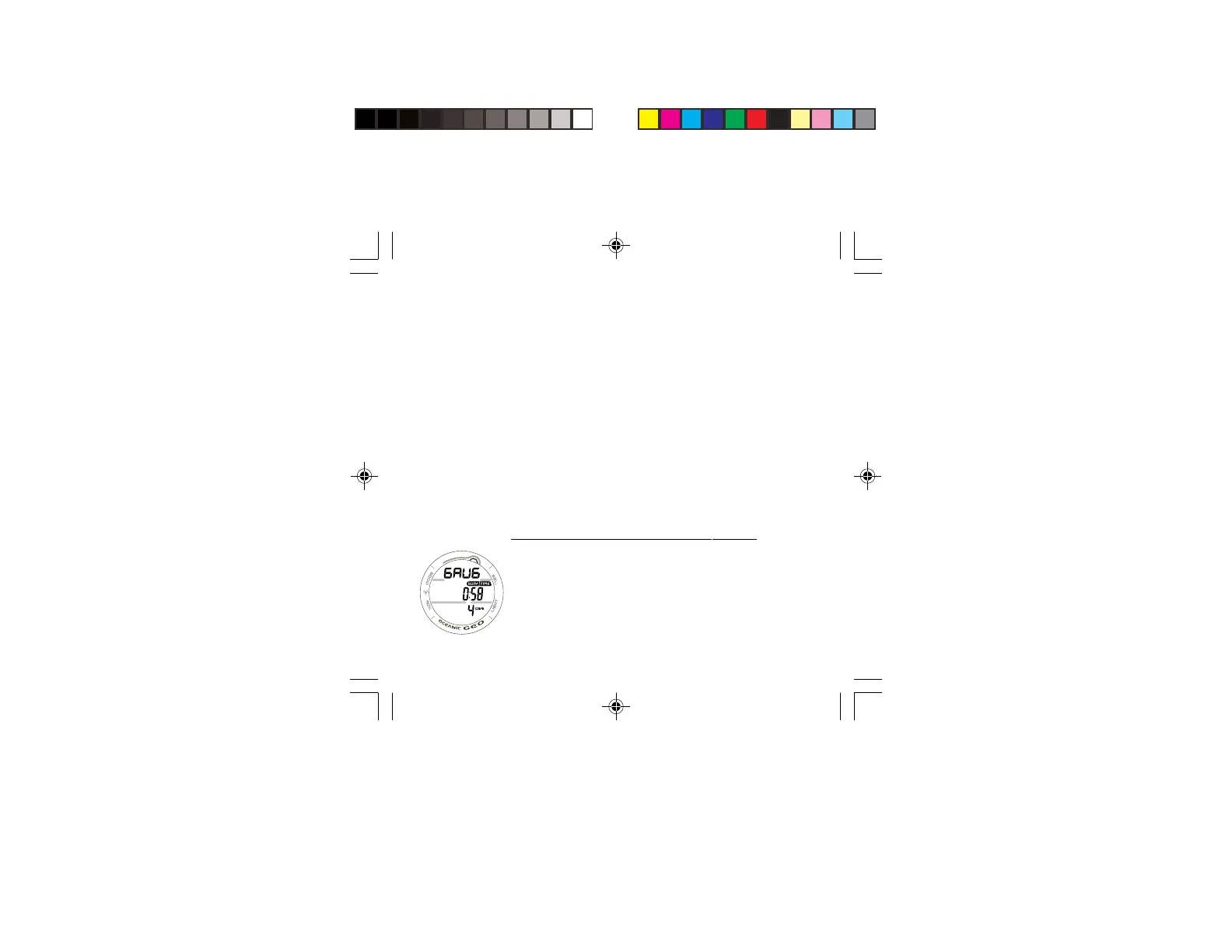
GAUG SURF MAIN DISPLAY (Default), (Fig. 93) -
> Graphic GAUG alternating with the Altitude Level graphic
SEA (or EL2 through EL13) and WET (if wet).
> Surface Interval Time (hr:min) with SURF and TIME icons.
> Battery icon if a Low Battery Warning Condition exists,
flashing if Too Low.
> Dive Number with DIVE icon.
Fig. 93 - GAUG SURF
MAIN



 To Next Page