43
NORM AND GAUG SURFACE SET MODES
NORM/GAUG Set Mode Sequence:
SURF MAIN > SET F > SET A > SET U > Serial Number.
Access and step through of the sequence is gained by re-
peated simultaneous 2 second presses of the A and S buttons.
SET A (Alarms) and SET U (Utilities) Set Points can also be set/
changed using the PC Settings Upload program. SET F (FO2)
entries must be made using only the push buttons.
SET F GROUP (FO2)
Set F Sequence:
SET F > Set FO2 > Set FO2 50% Default.
> Depressing the A and S buttons simultaneously for 2
seconds while the NORM or GAUG SURF MAIN screen is
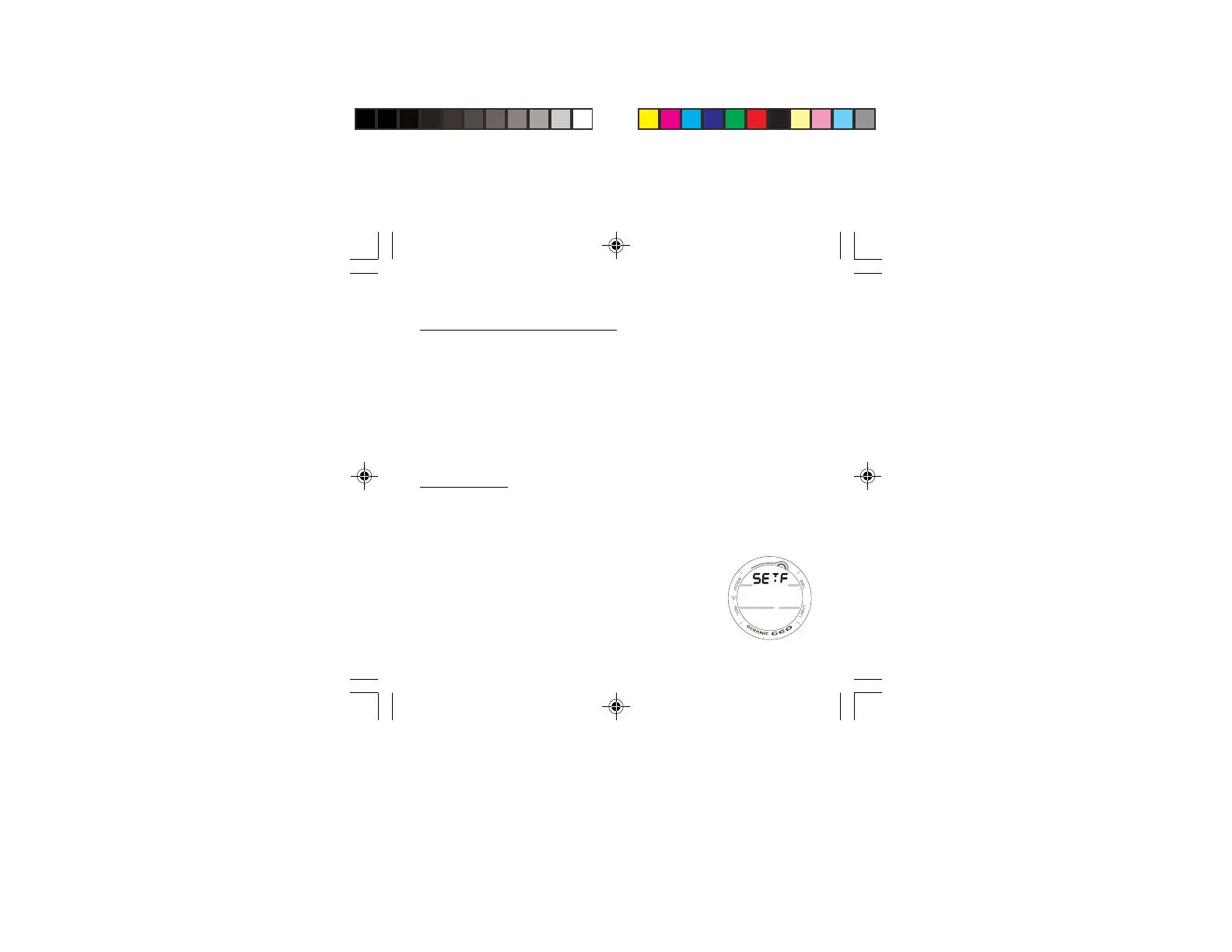
displayed will access the SET F screen identified by the
graphic SETF (Fig. 36).
> Pressing and releasing the A button momentarily (< 2
seconds) while SET F is displayed will access SET FO2
with the Set Point flashing.
Fig. 36 - SET F



 To Next Page