116
• Pressing/releasing the S button momentarily and
repeatedly (< 2 seconds each time) will step through the
Set Points from 50 to 330 FT (12 to 100 M) in increments
of 10 FT (1 M) at a rate of 1 Set Point per press of the
button.
• Pressing and holding the S button will scroll through the
Set Points at a rate of 4 Set Points per second until
released.
• Pressing the A button momentarily (< 2 sec) will accept the
Depth Setting and the display will revert the FREE SURF
MAIN screen.
• Depressing the M button for 2 seconds, or if no button is
pressed during a period of 2 minutes, the display will
revert the FREE SURF MAIN screen.
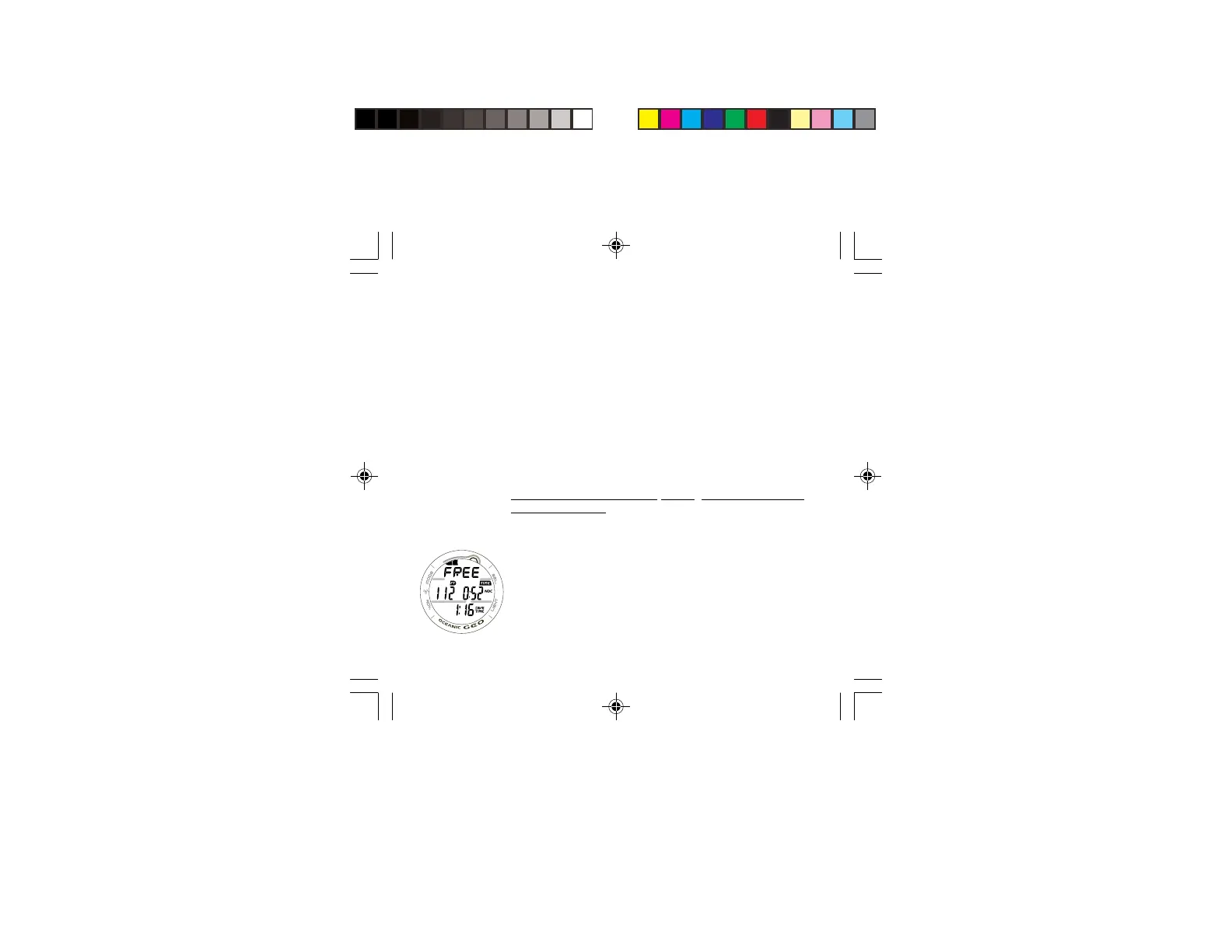
FREE DIVE MAIN DISPLAY (Default), information provided
includes (Fig. 135) -
> TLBG, if any Nitrogen is remaining from previous NORM
or FREE Dives conducted within the previous 24 hours.
> Graphic FREE
> Current Depth with FT (or M) icon.
> No Deco Dive Time remaining (hr:min) with TIME and
NDC icons.
> Elapsed Dive Time (min:sec) with DIVE and TIME icons.
• Press/release the A button momentarily (< 2 seconds) to
access the FREE CDT (Count Down Timer) STATUS screen.
• Press the L button to activate the Backlight.
Fig. 107 - FREE DIVE
MAIN



 To Next Page