28
• Pressing and releasing the M button momentarily (< 2
seconds) will advance to DAILY ALARM.
• Depressing and holding the M button for 2 seconds will
revert to the Local Default Watch Time screen.
While the Chronograph is running, it will remain on the screen
until a button operation is performed. If another screen is
accessed, it will then continue to run in the background.
Upon descending on a dive, the Chronograph operation will
be terminated and reset to 0:00:00.00.
DAILY ALARM
When set ON, the DAILY ALARM will sound the Audible Alarm
and flash the Red LED at the Time set every day.
• Pressing the M button momentarily 4 times (< 2 seconds
each time) while the MAIN TIME screen is displayed will
access the DAILY ALARM STATUS screen.
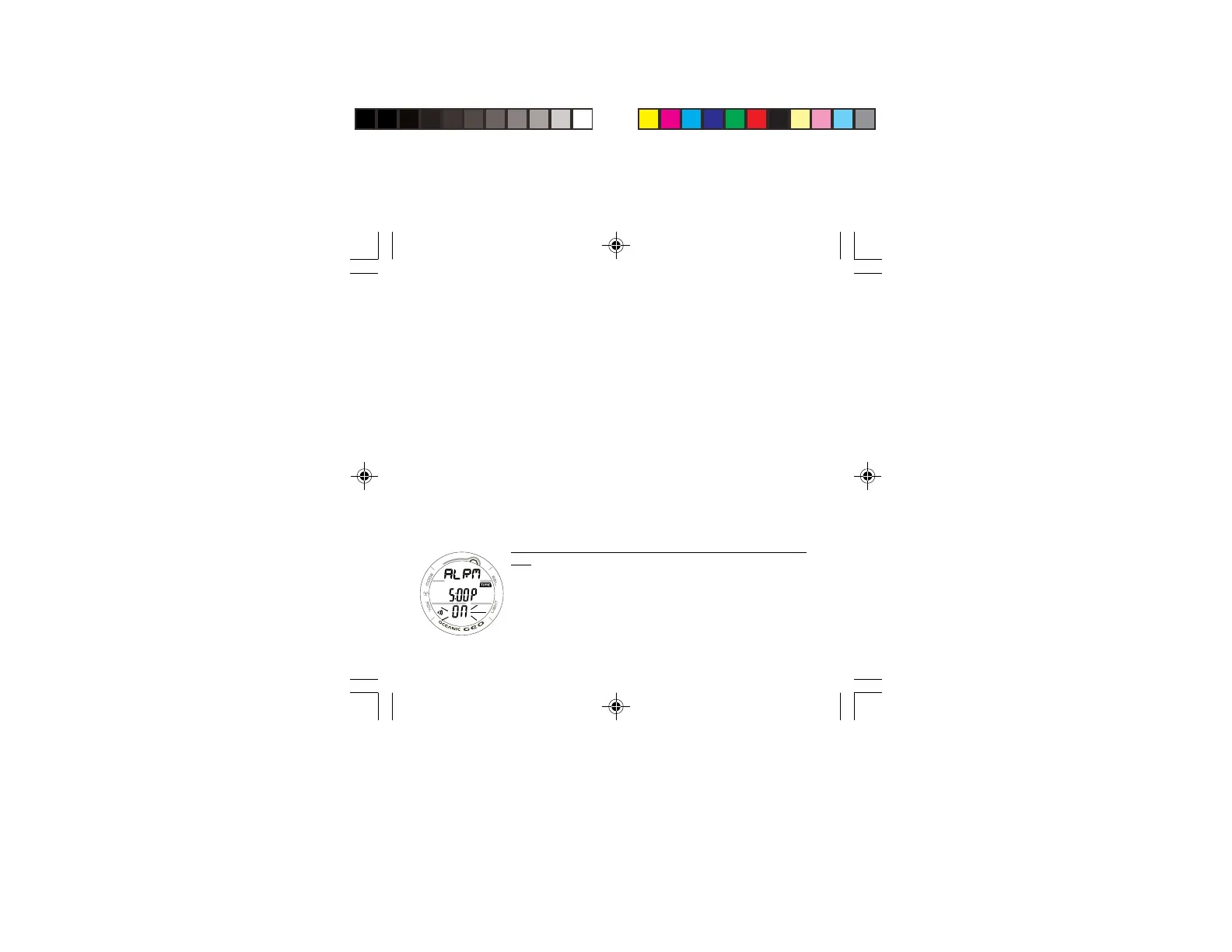
DAILY ALARM STATUS, information provided includes (Fig.
21):
> Alarm icon
> Graphics ALRM and ON (or OFF), flashing.
> Alarm Time Set Point (hr:min).
• Pressing and releasing the S button momentarily (< 2
seconds) will toggle between ON and OFF.
Fig. 21 - DAILY ALARM
STATUS



 To Next Page