53
SET U GROUP (UTILITIES)
Set U Sequence:
SET U > Wet Activation > Units > Safety Stop > Conservative
Factor > Backlight Duration > Sampling Rate.
The SET U Group can also be set/changed using the PC
Settings Upload program.
The settings for Wet Activation, Units, Conservative
Factor, and Backlight Duration also apply to FREE
Mode. To change the settings while operating in FREE
Mode, first access the NORM Surface Mode.
FREE Mode Sampling Rate is fixed at a 1 second interval
and is not affected by the SET U setting.
> SET U Settings remain at the values set until changed.
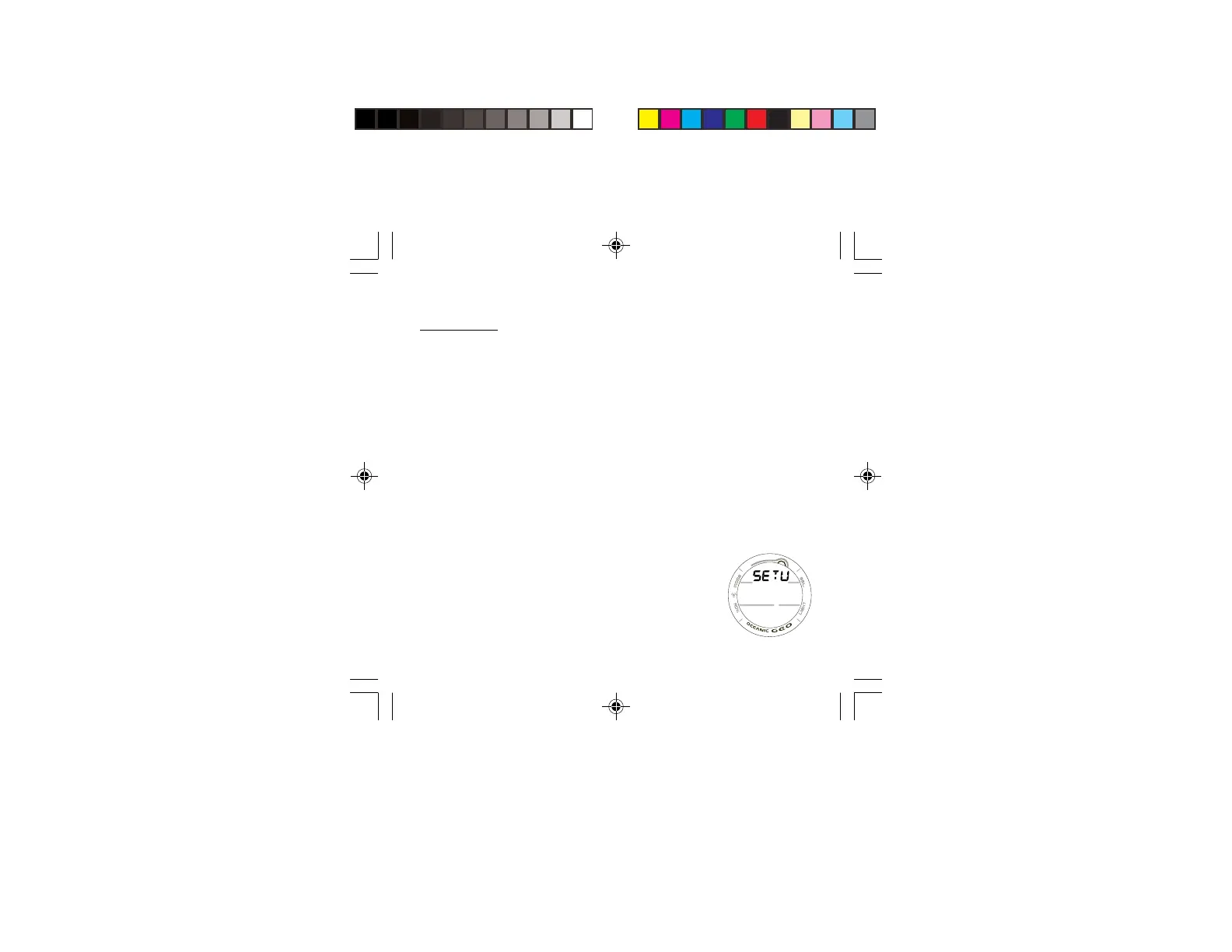
> Depressing the A and S buttons simultaneously for 6
seconds while the NORM or GAUG SURF MAIN screen is
displayed, will access SET U identified by the graphic
SETU (Fig. 47).
> Pressing and releasing the A button momentarily (< 2
seconds) while SET U is displayed will advance to SET
WET ACTIVATION with the Set Point flashing.
Fig. 47 - SET U



 To Next Page