106
FREE DIVE MODE
When FREE (Free Dive Mode) is selected as the Operating Mode, the GEO will
operate as a Digital Depth Gauge with select features. Nitrogen calculations are
based upon a default FO2 of AIR and the amount remaining during 24 hours is
carried over between FREE and NORM Operating Modes.
• To access FREE Operating Mode while Watch MAIN TIME is displayed, press
the M button 3 times (2 seconds each time), or while the GAUG SURF MAIN
screen is displayed (and no GAUG dive was made), press the M button 1
time for 2 seconds. The graphic FREE will flash indicating that FREE can be
selected as the Operating Dive Mode.
• To select FREE for diving, press/release the M button while the FREE graphic
is flashing. When the graphic becomes solid, FREE Mode is selected for the
type of dives to be conducted.
WATCH TIME > NORM SURF > GAUG SURF > FREE SURF
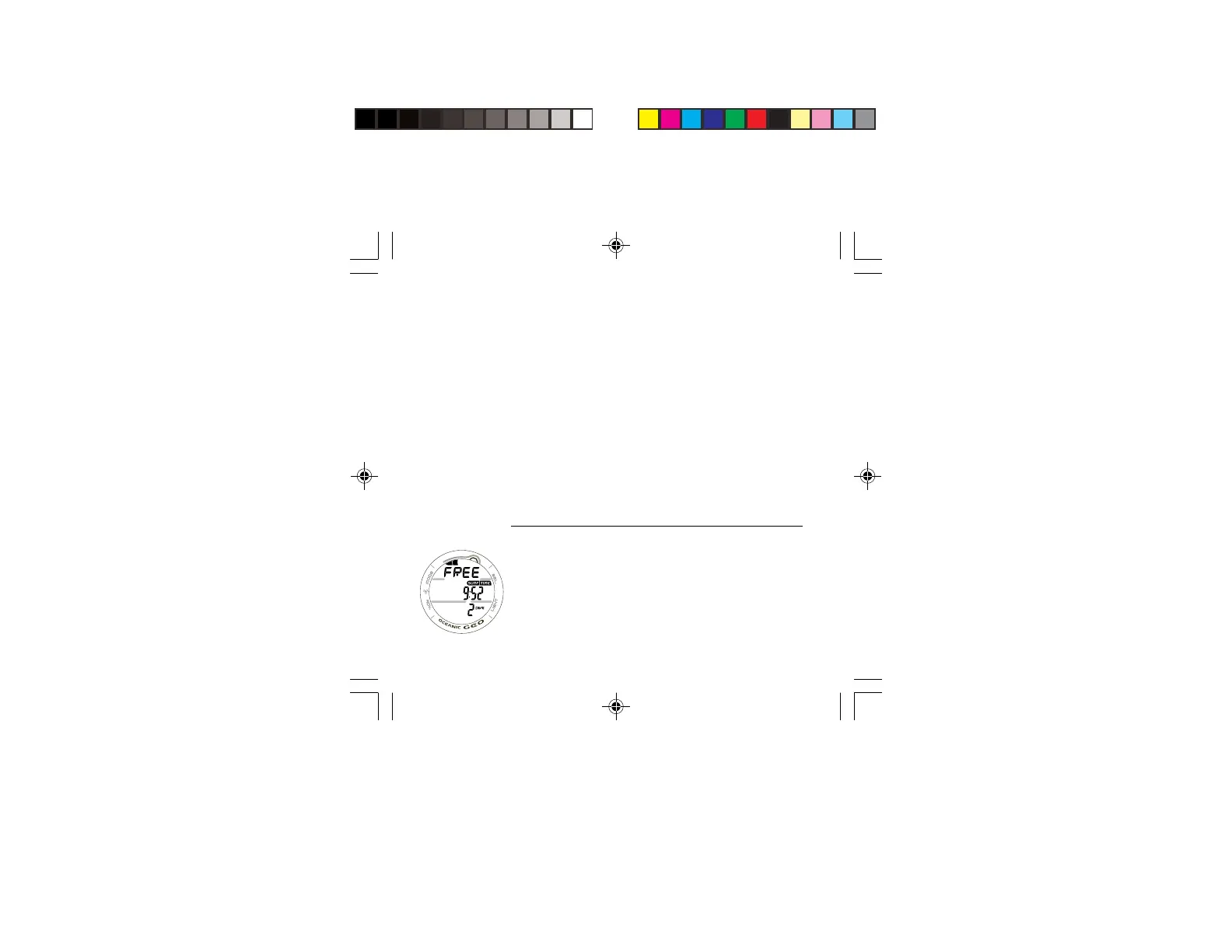
FREE SURF MAIN DISPLAY, information includes (Fig. 97) -
> TLBG representing nitrogen loading, if any.
> Graphic FREE alternating with the Altitude Level graphic
SEA (or EL 2 through EL13) and graphic WET (if wet), each
3 seconds On then 1/4 second Off.
> Surface Interval Time (min:sec up to 59:59, then hr:min)
with SURF and TIME icons.
> Battery icon if a Low Battery Warning Condition exists,
flashing if Too Low.
> Total number of repetitive FREE Dives conducted in that
series with DIVE icon.
Fig. 97 - FREE SURF
MAIN



 To Next Page