107
• Press the L button to activate the Backlight.
• Depress the A button for 2 seconds to access the FREE
SURF ALT Display from which you can access the
Secondary Display .
• Press/release the A button momentarily (< 2 seconds) to
access the FREE SURF CDT (Countdown Timer) Status
Display allowing you to Set/Start/Stop the CDT.
• Depress both the A and S buttons simultaneously for 2
seconds to access the SET FREE EDT (Elapsed Dive Time)
ALARM Display from which you can then access the SET
FREE DEPTH ALARM 1, 2, and 3 Displays.
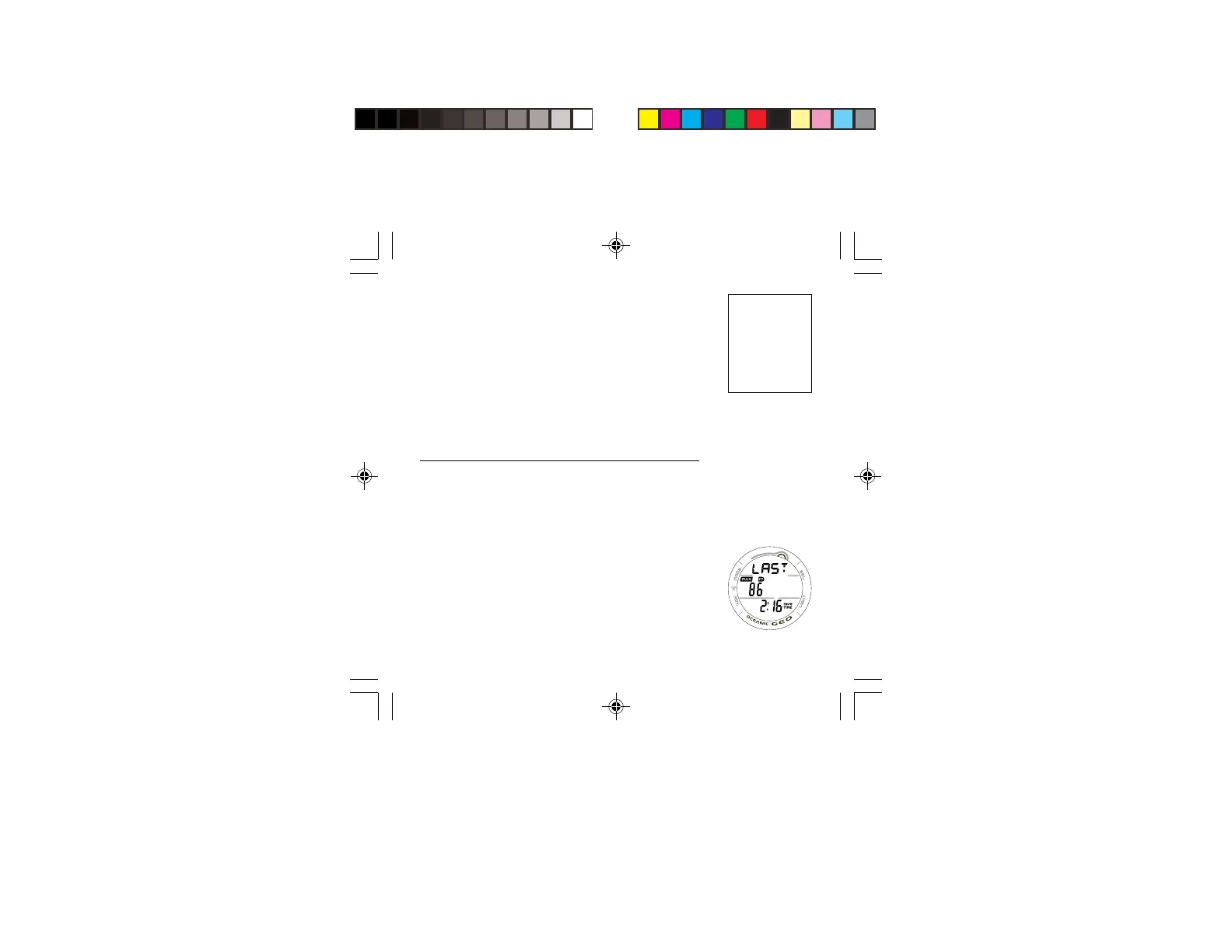
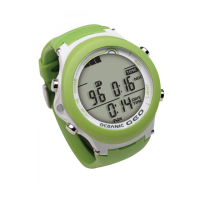
FREE SURF ALT DISPLAY, information includes (Fig. 98) -
> Graphic LAST, indicating that information relates to the last
FREE dive conducted.
> Maximum Depth of the FREE dive previously made while
still in FREE MODE with MAX and FT (or M) icons.
> Battery icon if a Low Battery Warning Condition exists,
flashing if Too Low.
> Elapsed Dive Time (min:sec) of the FREE dive previously
made while still in FREE MODE with DIVE and TIME icons.
Resets to 0:00 after 24 hours.
• Press the L button to activate the Backlight.
• Press/release the A button momentarily (< 2 seconds) to
access the Secondary Display.
FREE Mode uses the
NORM/GAUG
settings for -
>> Time/Date
>> Wet Activation
>> Units
>> Conservative
Factor
Fig. 98 - FREE SURF
ALT


 To Next Page