40
When the 10 minute Surface Time has elapsed, the Local
Default Watch TIME screen (Main or Alternate Time) will
replace the Surface Mode display. The SURF MAIN screen
can then be accessed by pressing the M button for 2 seconds.
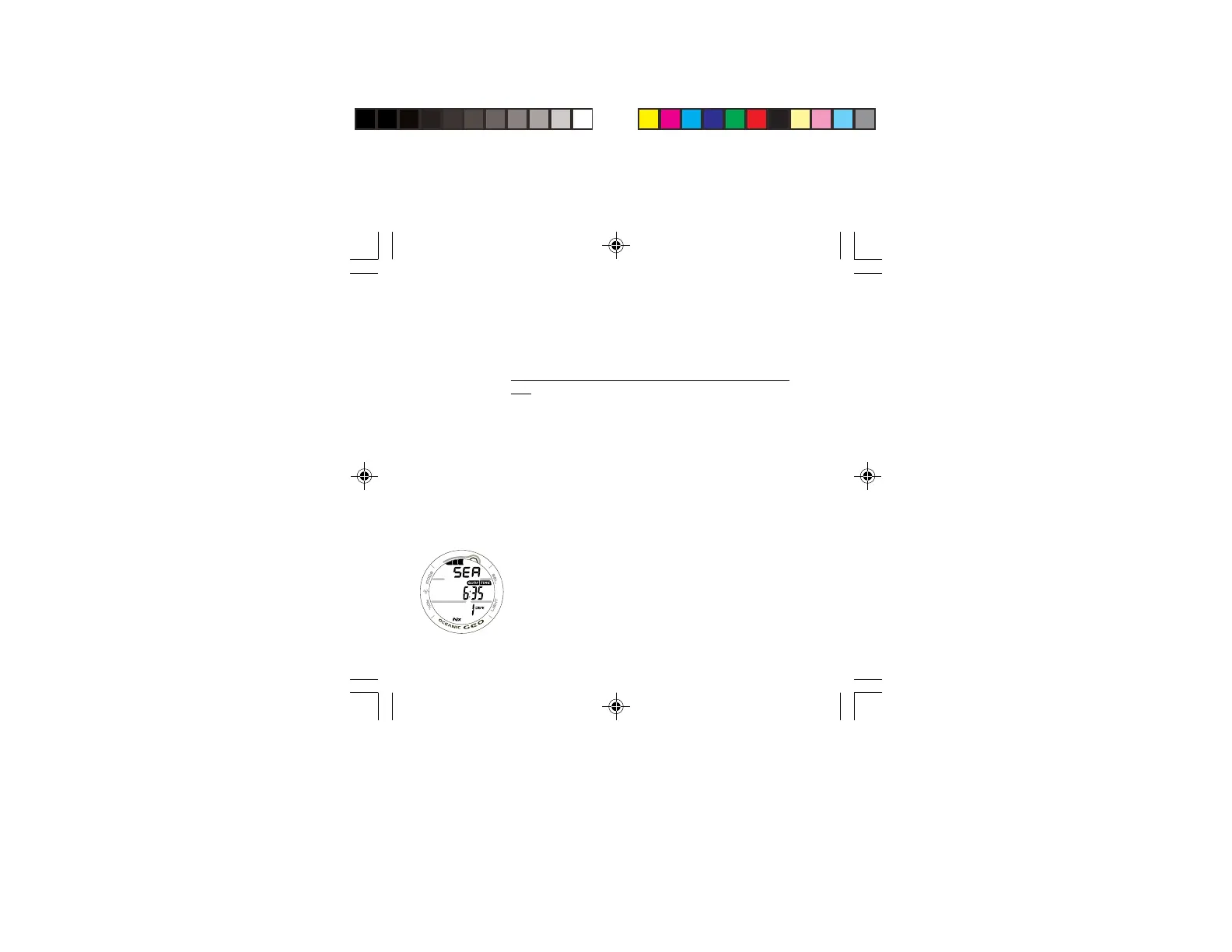
NORM SURF MAIN, information provided includes (Fig.
33):
> Tissue Loading Bar Graph (TLBG), if any after a NORM or
FREE dive.
> Graphic NORM alternating with the Altitude Level graphic
SEA (or EL2 through EL13) and WET (if the unit is wet),
each On 3 seconds then 1/4 second blank.
> Surface Interval Time (hr:min) with SURF and TIME icons.
> Battery icon if a Low Battery Warning Condition exists,
flashing if Too Low
> Number of that dive (0 if no dive has been made yet) with
DIVE icon.
> Nx icon, if FO2 is set for a Nitrox dive.
Fig. 33 - NORM SURF
MAIN



 To Next Page