27
CHRONOGRAPH (Stop Watch/Lap Timer)
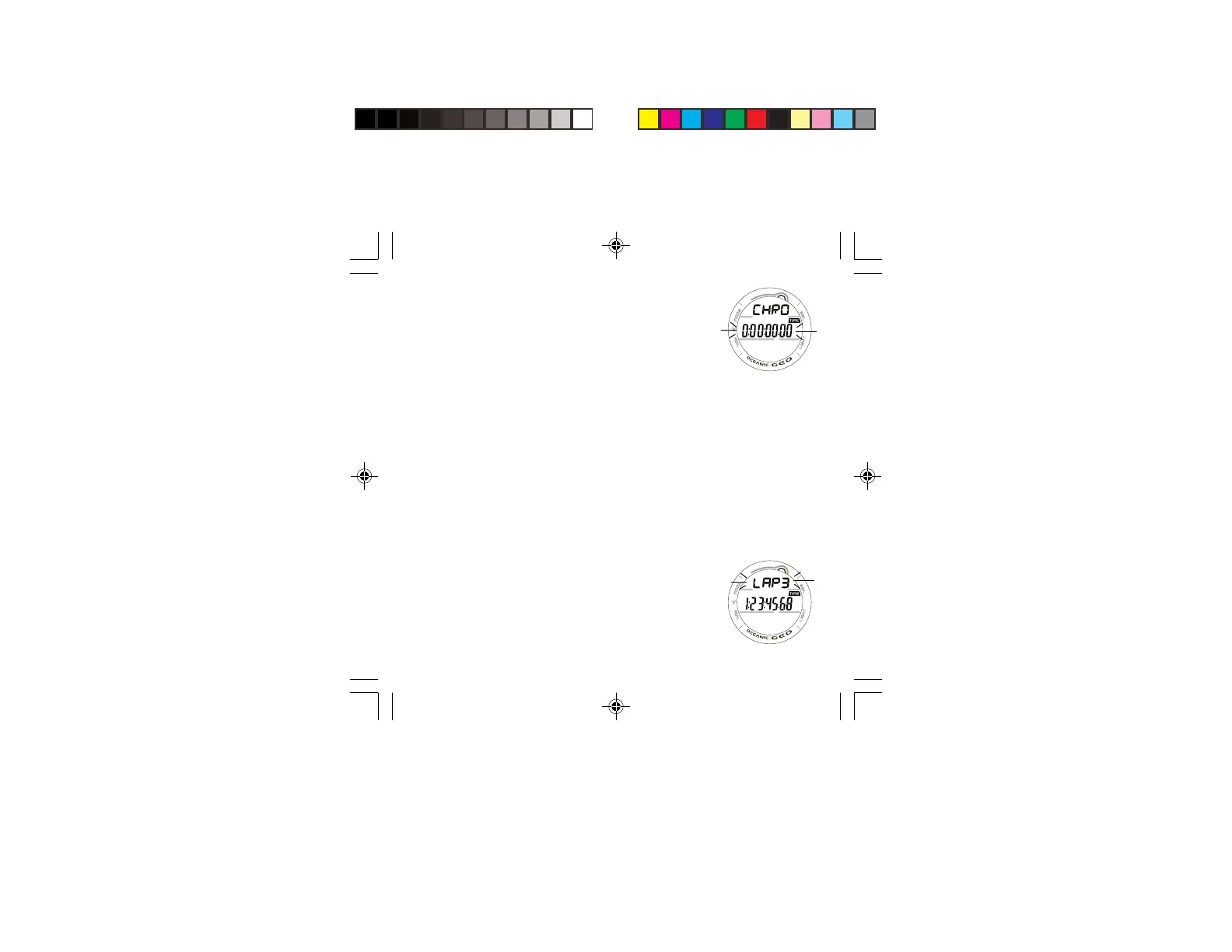
• Pressing and releasing the M button momentarily 3 times
(< 2 seconds each) while the MAIN TIME screen is
displayed will access the CHRONOGRAPH displaying the
elapsed time if previously started or 0:00:00.00
(hr:min:sec.1/100th sec), flashing (Fig. 19).
• Pressing and releasing the S button momentarily (< 2
seconds) will start the TIMER which will begin counting up
from 0:00:00.00 to 9:59:59.99 (hr:min:sec.1/100th sec)
in increments of .01 (1/100th sec).
> During the first 4 seconds the 1/100th second values will
be displayed, then 2 dashes ( . - - ) will be displayed. The
1/100th values will be recorded and displayed when
LAPs are frozen and when later recalled.
• Subsequent pressing and releasing of the S button (< 2
seconds each) will freeze Lap Times (LAP1 through LAP9).
After 9 Laps are recorded, additional LAPs will replace
LAP9, shift the others to lower LAP numbers, while
discarding LAP1.
> If the time reaches 9:59:59.99 hr:min:sec.1/100 sec, it
will stop and save that number as a LAP. Subsequent
presses of the S button will then have no effect.
• Pressing and releasing the A button momentarily (< 2
seconds) will Stop the Timer and Recall LAP1, displaying
the graphic LAP1 (flashing) and the LAP 1 Time. Repeat
presses will display other LAPs/Times (Fig. 20).
• Depressing and holding the A button for 2 seconds will
stop the Timer and reset the Time to 0:00:00.00 (flashing).
Fig. 19 - CHRONO-
GRAPH
Fig. 20 - LAP RECALL



 To Next Page