26
• Depressing both the A and S buttons simultaneously for 2
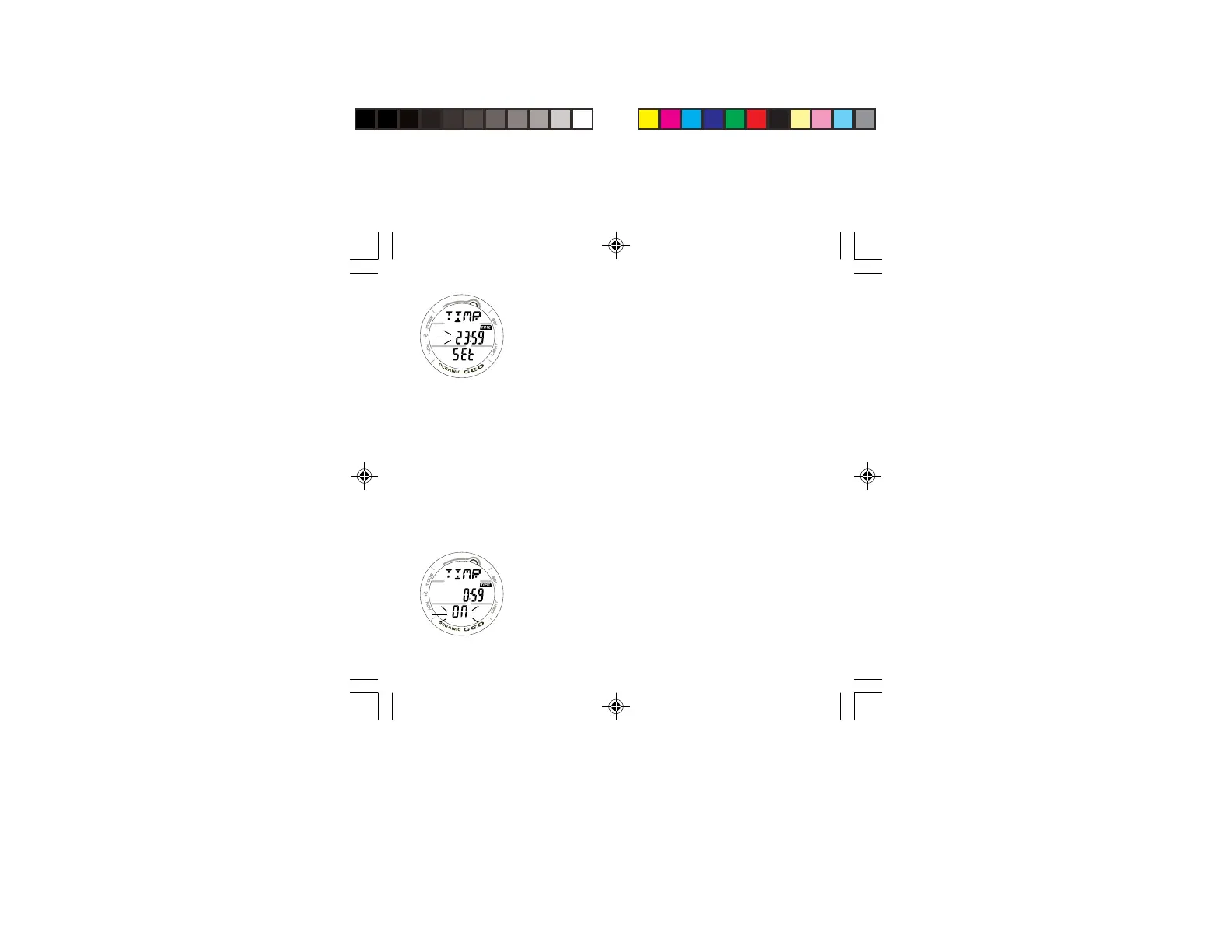
seconds will access the SET WATCH COUNT DOWN
TIMER screen indicated by the graphics TIMR and SEt,
symbol TIME, and HOUR Set Point flashing (Fig. 17).
> If no button is pressed during a period of 2 minutes, the
unit will revert to the Local Default Watch Time screen.
• Depressing and holding the S button while the HOUR Set
Point is flashing will scroll through the Set Points in 1 hour
increments at a rate of 4 per second from 0: to 23: (hr).
• Pressing and releasing the A button momentarily (< 2
seconds) will save the HOUR Set Point and/or advance to
SET MINUTES with the MINUTES Set Point flashing.
• Depressing and holding the S button while the MINUTES
Set Point is flashing will scroll through the Set Points in 1
minute increments at a rate of 4 per second from :00 to
:59 (min).
• Pressing and releasing the A button momentarily (< 2
seconds) will save the MINUTES Set Point and/or advance
to the COUNTDOWN TIMER screen indicated by the
graphic OFF (flashing) in place of the graphic SEt.
• Pressing and releasing the S button momentarily (< 2
seconds) will toggle from OFF to ON and Start the Timer
(Fig. 18).
• Depressing and holding the M button for 2 seconds will
revert to the Local Default Watch Time screen.
> If no button is pressed during a period of 2 minutes, the
unit will revert to the Local Default Watch Time screen.
Fig. 17 - SET WATCH
CDT
Fig. 18 - CD TIMER
STARTED



 To Next Page