57
• Depressing and holding the M button for 2 seconds or if
no button is pressed for a period of 2 minutes operation
will revert to the NORM or GAUG SURF MAIN screen.
NOTE: When the Conservative Factor is set
ON, No Deco Limit times are reduced to values
equivalent to those that would be available at
the next higher 3000 foot (915 meter) Altitude.
Refer to the tables at the back.
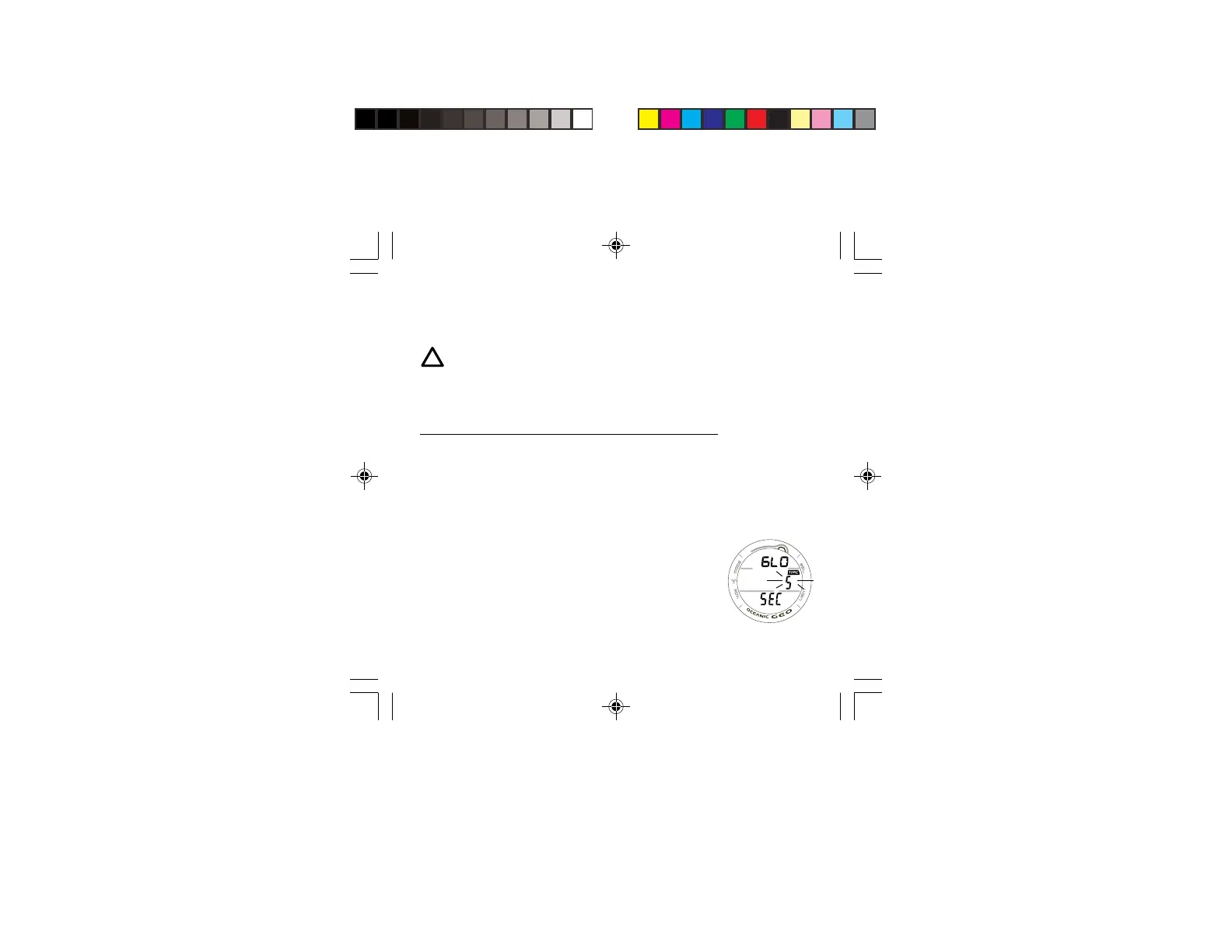
SET BACKLIGHT DURATION information includes (Fig. 51):
> Graphics GLO (meaning Backlight) and SEC
> Set Point (seconds), flashing, with TIME icon.
• Pressing and releasing the S button momentarily (< 2
seconds each time) will step through the Set Points of 0, 5,
and 10 (seconds).
• Pressing and releasing the A button momentarily (< 2
seconds) will save the setting and/or advance to the SET
SAMPLING RATE screen with the Set Point flashing.
• Depressing the A and S buttons simultaneously for 2
seconds will save the setting and revert back to the SET U
screen.
• Depressing and holding the M button for 2 seconds or if
no button is pressed for a period of 2 minutes operation
will revert to the NORM or GAUG SURF MAIN screen.
Fig. 51 - SET
BACKLIGHT
DURATION



 To Next Page