86
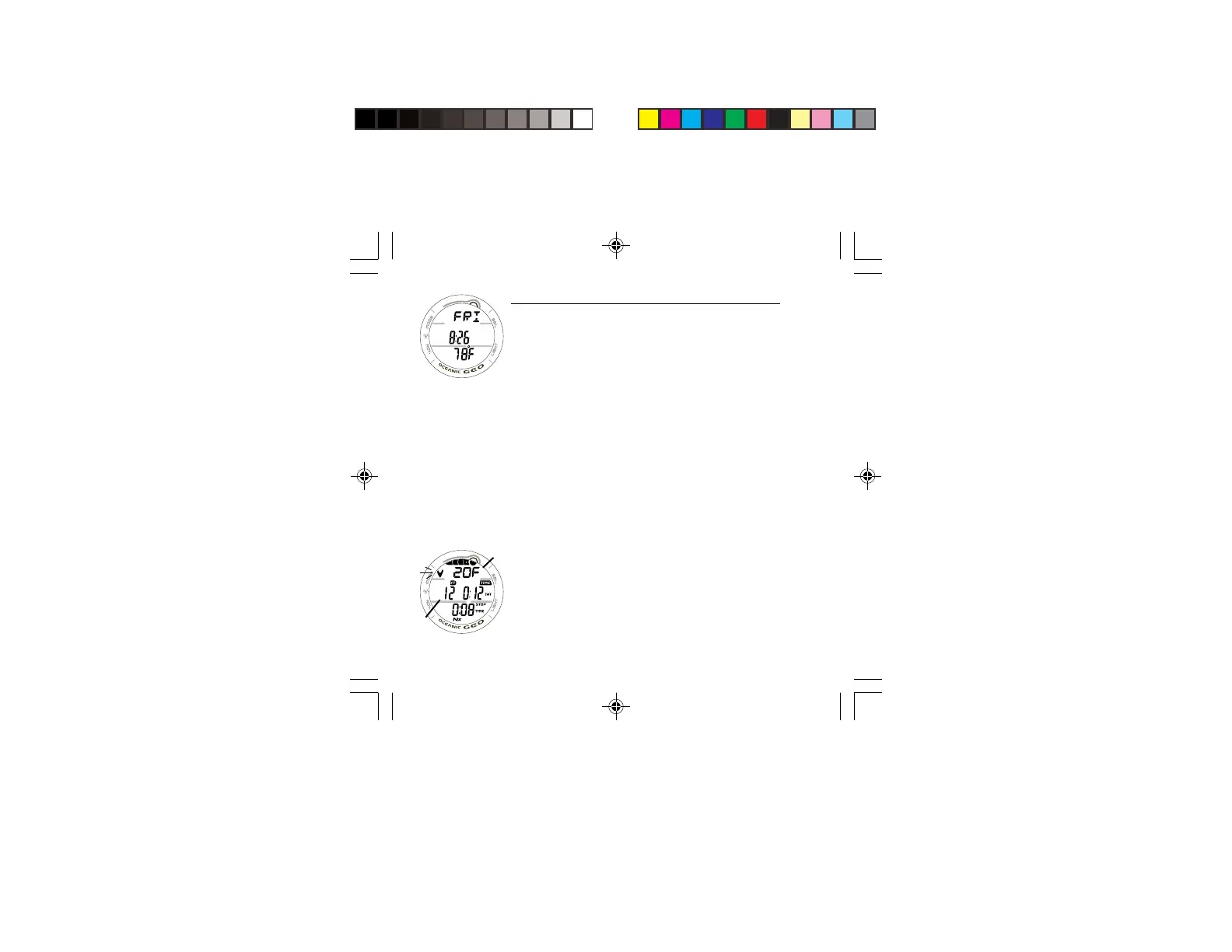
SECONDARY DISPLAY, information includes (Fig. 81) -
> Day of the Week graphic (MON, TUE, etc.)
> Time of Day (hr:min). This will be the Watch Time selected
(MAIN or ALTERNATE).
> Temperature with degrees icon and graphic F (or C).
• The display will revert to the MAIN Display after 5
seconds or if the A button is pressed/released.
VIOLATION MODES
While in Violation Modes, the Alternate and Secondary
Displays previously described can be accessed using the A
button, the Backlight can be activated using the L button, and
Alarms can be acknowledged/silenced with the S button.
CONDITIONAL VIOLATION
If you ascend shallower (Fig. 82a) than a Required Decompres-
sion Stop Depth (Fig. 82b), the Audible Alarm will sound, and
the red LED and Down Arrow will flash until you descend
below the Required Stop Depth.
The graphic message DOWN > DOWN will scroll at the top
of the display until the Alarm is acknowledged/silenced, then
the message DOWN > TO > xxF (or xxM) will scroll.
If you descend below the required Stop Depth before 5 minutes
have elapsed, the GEO will continue to function in Decompres-
sion Dive Mode.
Fig. 81 - SECONDARY
Fig. 82 - CONDITIONAL
VIOLATION MAIN
a
b



 To Next Page