83
DECOMPRESSION DIVE MODE
The GEO is designed to help you by providing a representa-
tion of how close you are to entering Decompression.
Decompression Dive Mode activates when the theoretical No
Decompression time and depth limits are exceeded.
Upon Entry into DECO Mode, the Audible Alarm will sound,
the red LED Warning Light will flash, and the graphic message
DECO > STOP will scroll each 3/4 second On and 1/4
second Off, until acknowledged or for 10 seconds.
Once silenced, the graphics DECO > STOP > xxF (or xxM) will
scroll each 2 seconds On 2 seconds blank.
• Press/release the S button to acknowledge/silence the
Audible Alarm (unless it was set Off).
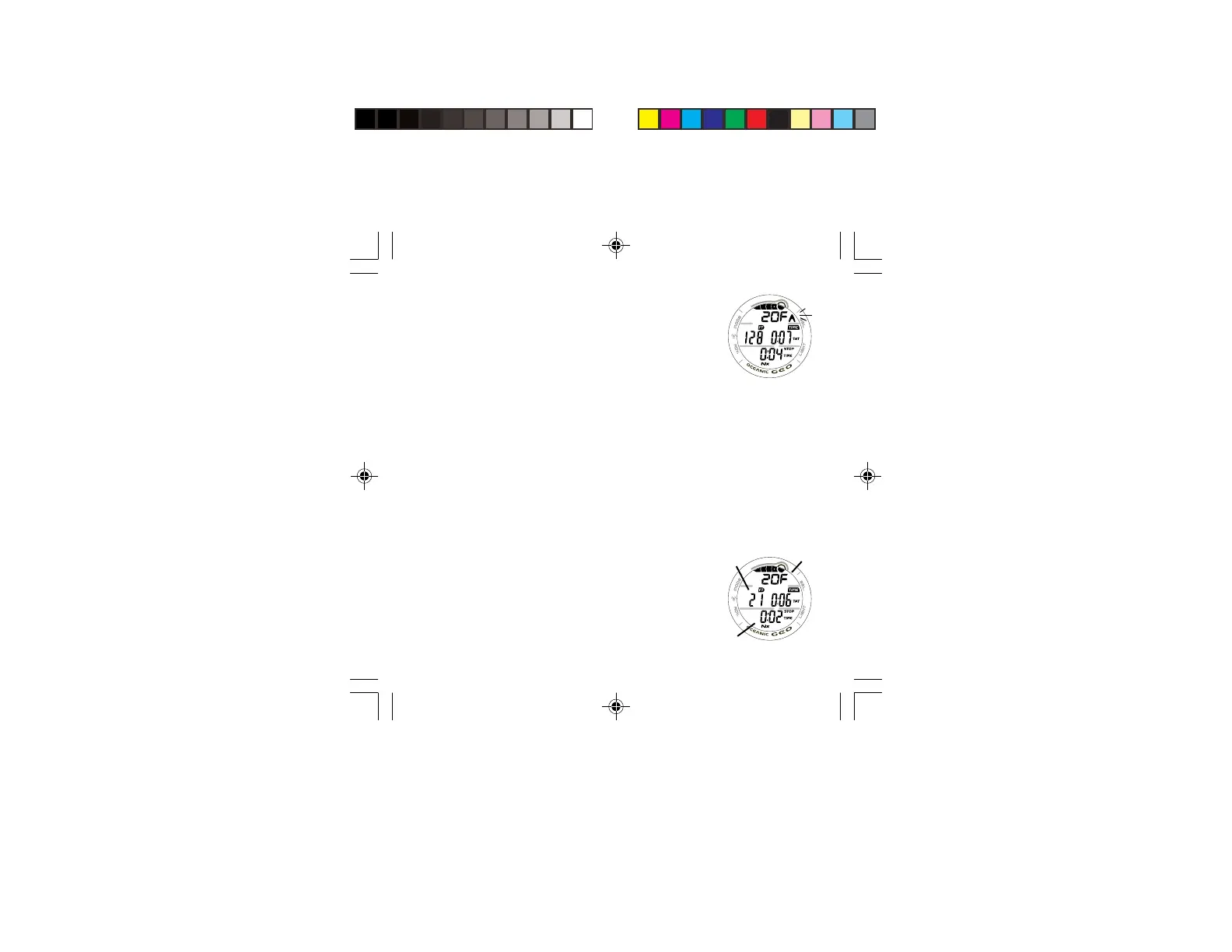
• The UP Arrow will flash (Fig. 76) if you are greater than
10 FT (3 M) deeper than the Required Stop Depth.
• Once you are within 10 FT (3 M) of, and below, the
Required Stop Depth, the UP Arrow will extinguish.
Managing Decompression Stops
To fulfill your decompression obligation, you should make a
safe controlled Ascent to a depth slightly deeper than (Fig.
77a), or equal to, the Required Stop Depth indicated (Fig.
77b) and decompress for the Stop Time indicated (Fig. 77c).
Fig. 76 - DECO ENTRY
Fig. 77 - DECO STOP
a
b
c



 To Next Page