24
• Depressing the S button for 2 seconds will interchange
ALTERNATE TIME with MAIN TIME making ALTERNATE
TIME the Local Default Time screen.
• Pressing the L button will activate the Backlight.
• Depressing both the A and S buttons simultaneously for 2
seconds will access the SET ALTERNATE TIME Mode with
the Set Point flashing.
• Depressing and holding the M button for 2 seconds will
revert to the MAIN TIME screen.
SET ALTERNATE TIME
• ALTERNATE TIME can be set OFF, or to an Hour based
numeric time Differential ranging from + 1 through +23
through - 23 through -1 (hours).
• Once the Differential is selected and saved, ALTERNATE
Time/Date values will be based upon the MAIN TIME Set
Points plus/minus the Differential.
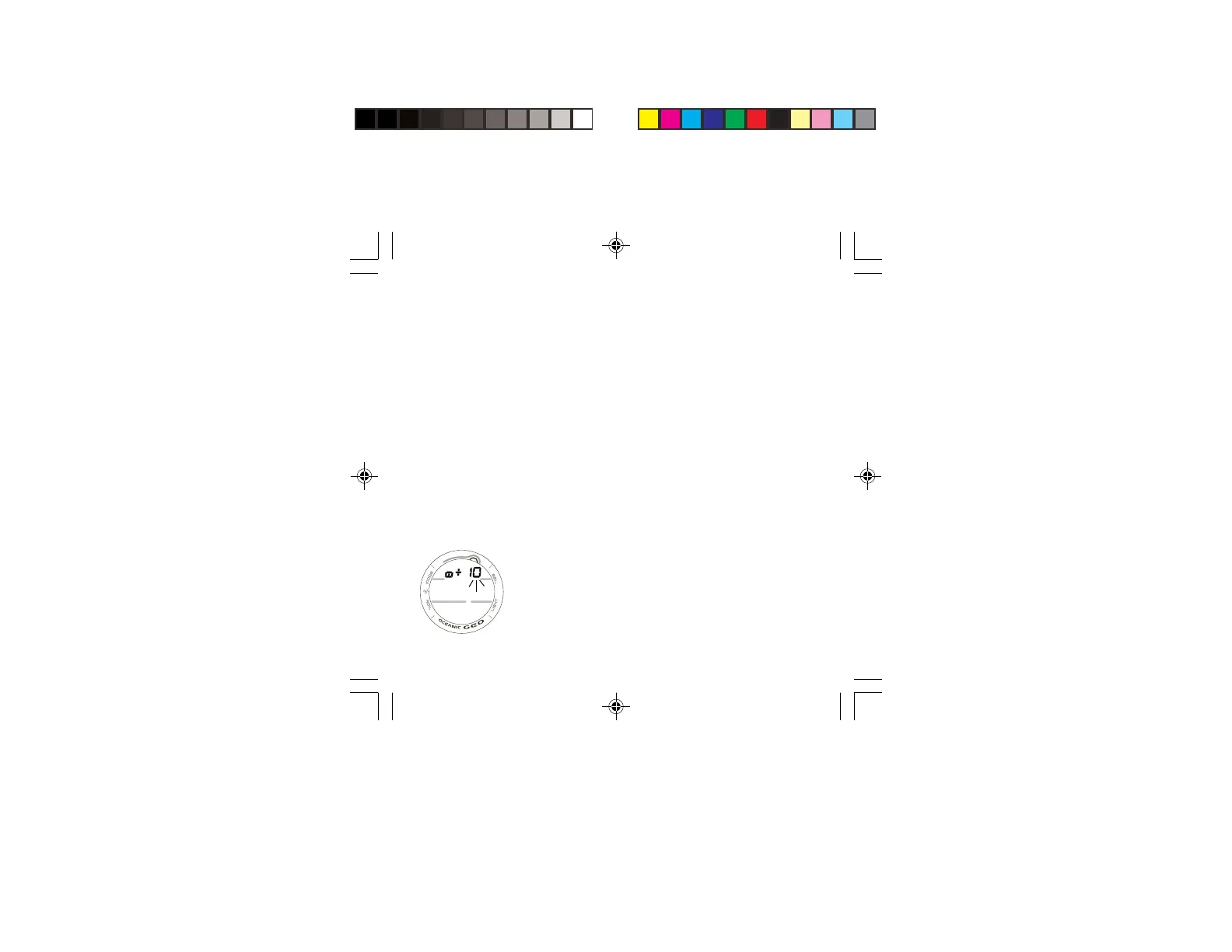
Displayed will be the Lazy 8 symbol and graphic OFF, or the
+/- numeric Hour Differential Set Point flashing (Fig. 15).
• Depressing and holding the S button while the Set Point is
flashing will scroll through the Set Points in increments of 1
Hour at a rate of 4 per second.
• Pressing and releasing the A button momentarily (< 2
seconds) will save the Set Point and/or advance to the
ALTERNATE TIME screen.
• Depressing and holding the M button for 2 seconds will
revert to the MAIN TIME screen.
Fig. 15 - SET
ALTERNATE TIME



 To Next Page