47
SET A GROUP (NORM/GAUG ALARMS)
Set A Sequence:
SET A > Audible > Depth > EDT > TLBG > DTR > PO2
The SET A Group can also be set/changed using the PC
Settings Upload program.
> SET A Settings remain at the values set until changed.
> Depressing the A and S buttons simultaneously for 4
seconds while NORM or GAUG SURF MAIN is displayed
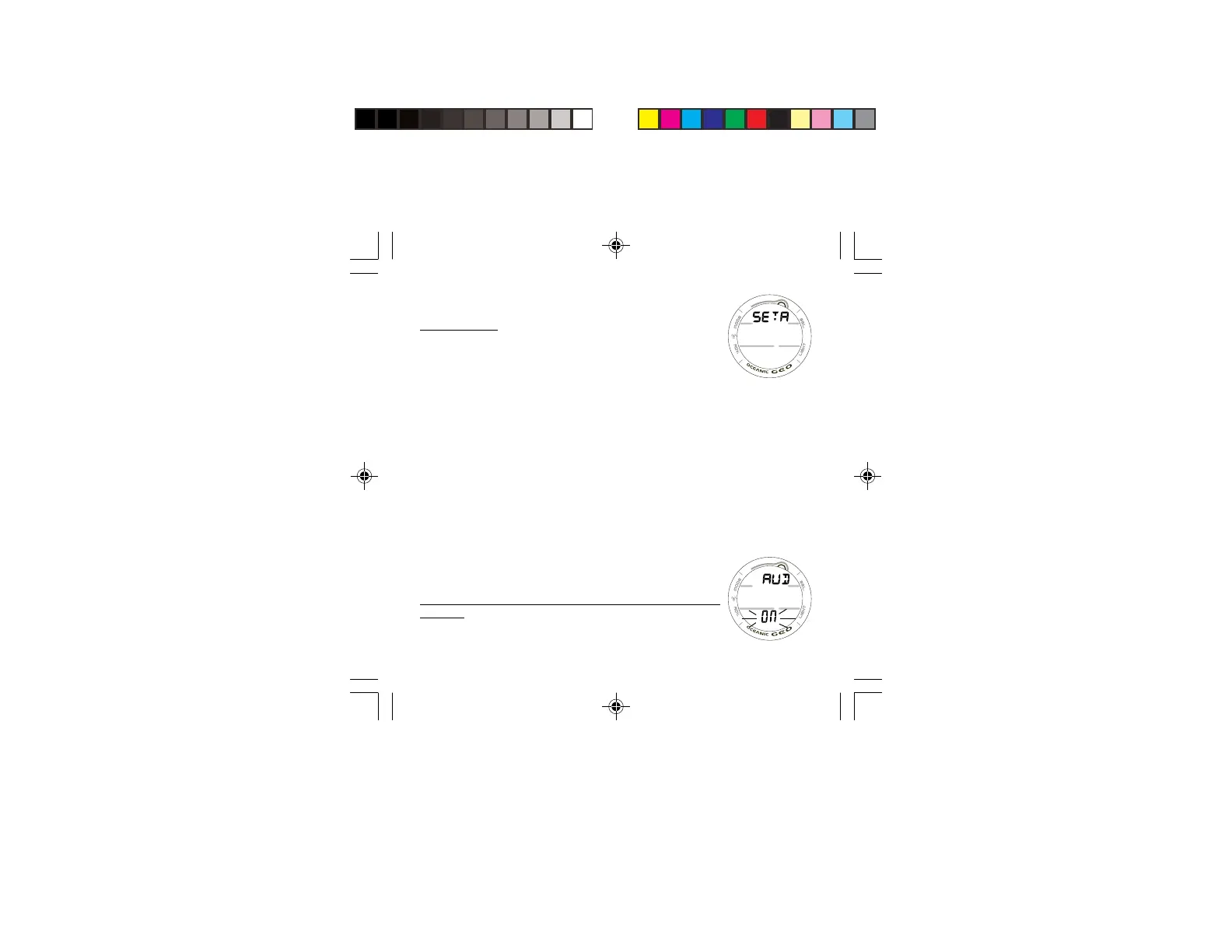
will access SET A identified by the graphic SETA (Fig. 40).
> Pressing and releasing the A button momentarily (< 2
seconds) while SET A is displayed will advance to SET
AUDIBLE ALARM with the Set Point flashing.
SET NORM/GAUG AUDIBLE ALARM
This option allows the Audible Alarms and the associated red
warning LED function to be disabled.
Some cautionary situations will cause the Audible alarm to
sound and the LED to flash even if this feature is set to OFF.
SET NORM/GAUG AUDIBLE ALARM, information includes
(Fig. 41):
> Graphic AUD
> Set Point graphic ON (or OFF) flashing.
Fig. 40 - SET A
Fig. 41 - SET AUDIBLE



 To Next Page