117
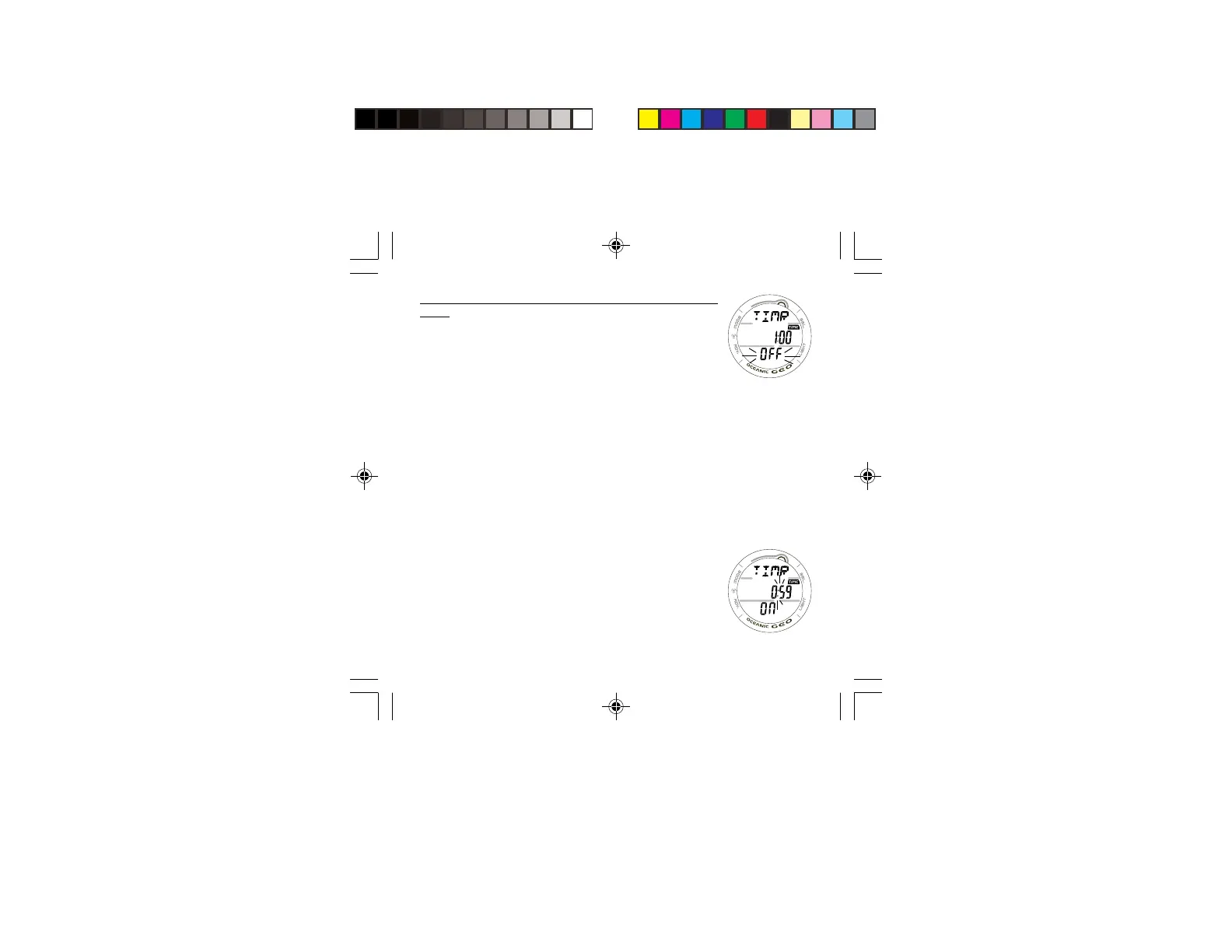
FREE DIVE CDT STATUS DISPLAY, information provided in-
cludes -
> Graphic TIMR
> Remaining Countdown time (hr:min:sec) with the TIME
icon; and colon flashing if ON and a CD is in progress,
0:00 with the colon flashing if ON and no time is
remaining. If OFF, the CD Time previously set will be
displayed with the colon solid (Fig. 108).
> Graphic ON (or OFF), flashing
• Pressing/releasing the S button momentarily (< 2 seconds)
will toggle between ON and OFF. If a Time has been set,
a toggle from OFF to ON will Start the CD TIMER
indicated by the colon flashing (Fig. 109).
• Pressing the L button will activate the Backlight.
• Depressing the M button for 2 seconds or if no button is
pressed during a period of 10 seconds, the display will
revert to the FREE DIVE MAIN screen.
FREE DIVE ALARMS
All FREE Dive Alarms will sound 3 short beeps (1 or 3 times)
and a Message will be displayed as an indication that an
event is occurring and as a reminder to view the display to
identify the event.
After the beeps have sounded, the message will be replaced
with the graphic FREE.
Fig. 108 - FREE CDT
STATUS (OFF/READY)
Fig. 109 - FREE CDT
STARTED



 To Next Page