110
NOTE: During a dive, the CDT can be turned
OFF (stopped) and ON (started), but not Set.
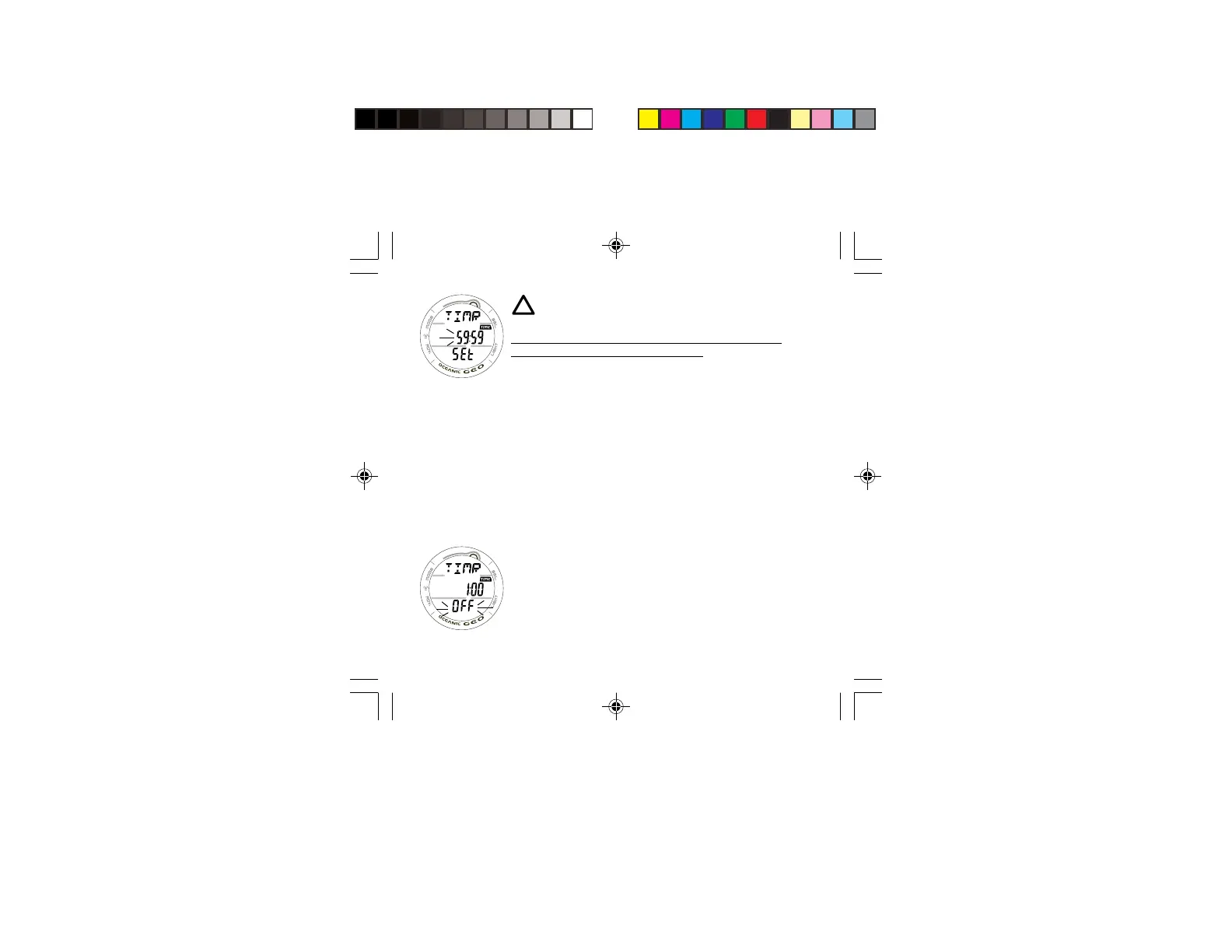
SET FREE CDT STATUS DISPLAY (SURFACE ONLY),
information provided includes (Fig. 102) -
> Graphic TIMR, solid.
> Timer setting (min:sec) with the TIME icon, colon solid,
MINUTE Set Point flashing.
> Graphic SEt, solid.
• Depressing/holding the S button while the MINUTE Set
Point is flashing will scroll through the Set Points at a rate
of 4 per second from 0: to 59: in 1 Minute (1:)
increments.
• Pressing/releasing the A button momentarily (< 2 seconds)
will save the MINUTE Set Point displayed and advance to
Set SECONDS with the Set Point flashing.
• Depressing/holding the S button while the SECONDS Set
Point is flashing will scroll through the Set Points at a rate
of 4 per second from :00 to :59 in 1 Second (:01)
increments.
• Pressing/releasing the A button momentarily (< 2 seconds)
will save the CDT Set Point indicated by the graphic OFF
flashing (Fig. 102) in place of the graphic SEt.
• Pressing/releasing the S button momentarily (< 2 seconds)
will toggle to ON and Start the CDT.
Fig. 101 - SET FREE
CDT
Fig. 102 - FREE CDT
SET/READY



 To Next Page