38
DIVE COMPUTER (DC) OPERATING MODES
The GEO features 3 selectable DC Operating Modes -
• NORM - for Normal Air or Nitrox dives
• GAUG - for dives with no Nitrogen/Oxygen calculations
(Once a dive is made in GAUG Mode, dive computer
operation is locked into Gauge Mode for 24 hours after
the dive.
• FREE - for dives with no SCUBA
SURFACE MODE
Depressing and holding the M button for 2 seconds while the
Local Default Watch TIME screen is displayed (Main Time or
Alternate Time, whichever was selected as the Default) ac-
cesses the previously selected Dive Mode SURFACE screen
(NORM, GAUG, or FREE).
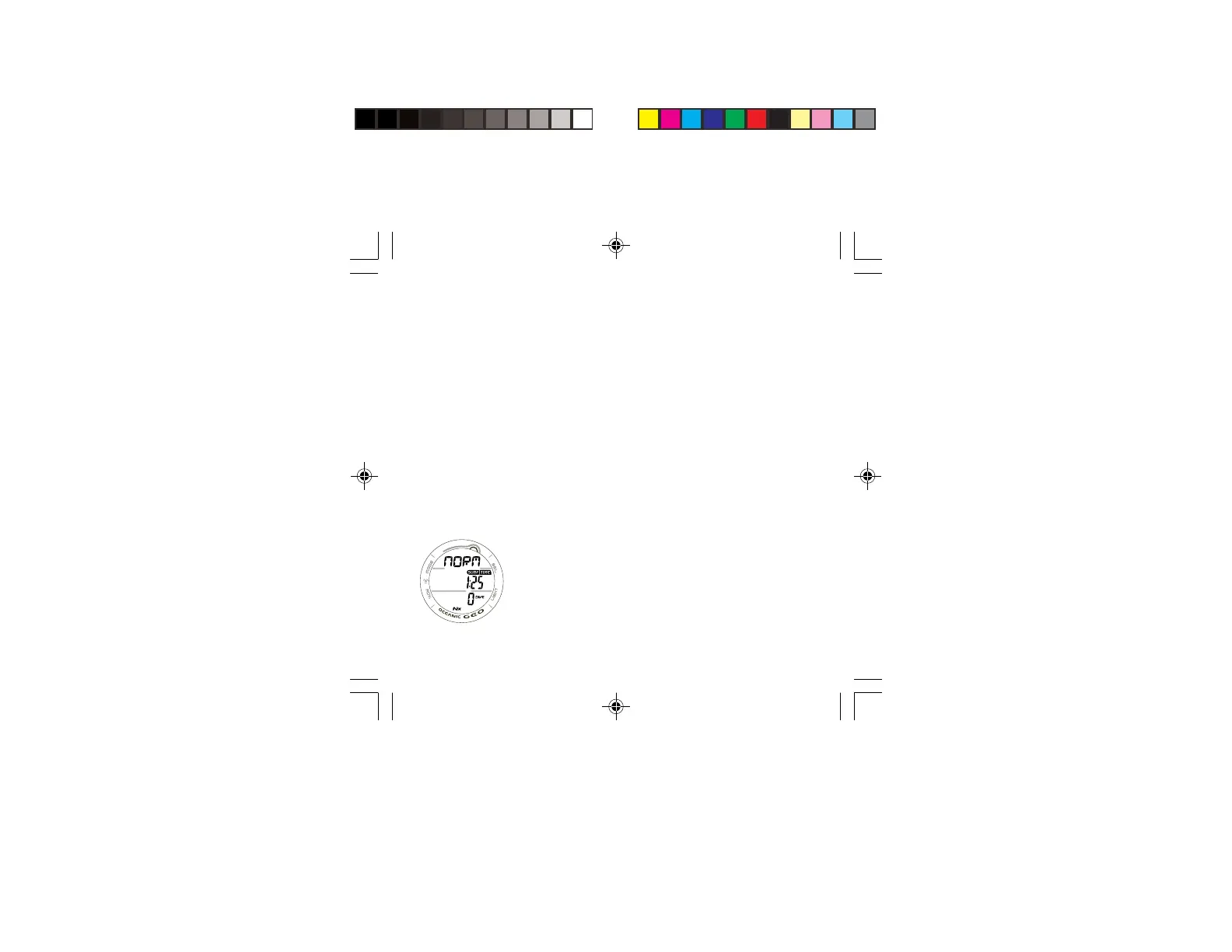
If no dive has been taken within the past 24 hours, the NORM
SURF MAIN screen will appear as the default display indicated
by the graphic NORM (solid) (Fig. 31).
• The GAUG or FREE SURF MAIN screens can be accessed
by subsequent 2 second presses of the M button. Their
graphics will flash indicating that they can be 'selected' as
the Operating Dive Mode.
• To select a Mode for diving, press/release the M button
while that graphic is flashing. When the graphic becomes
solid, that Mode is then selected for the type of dives to be
conducted.
Fig. 31 - NORM SURF
MAIN
( no dive made)



 To Next Page