85
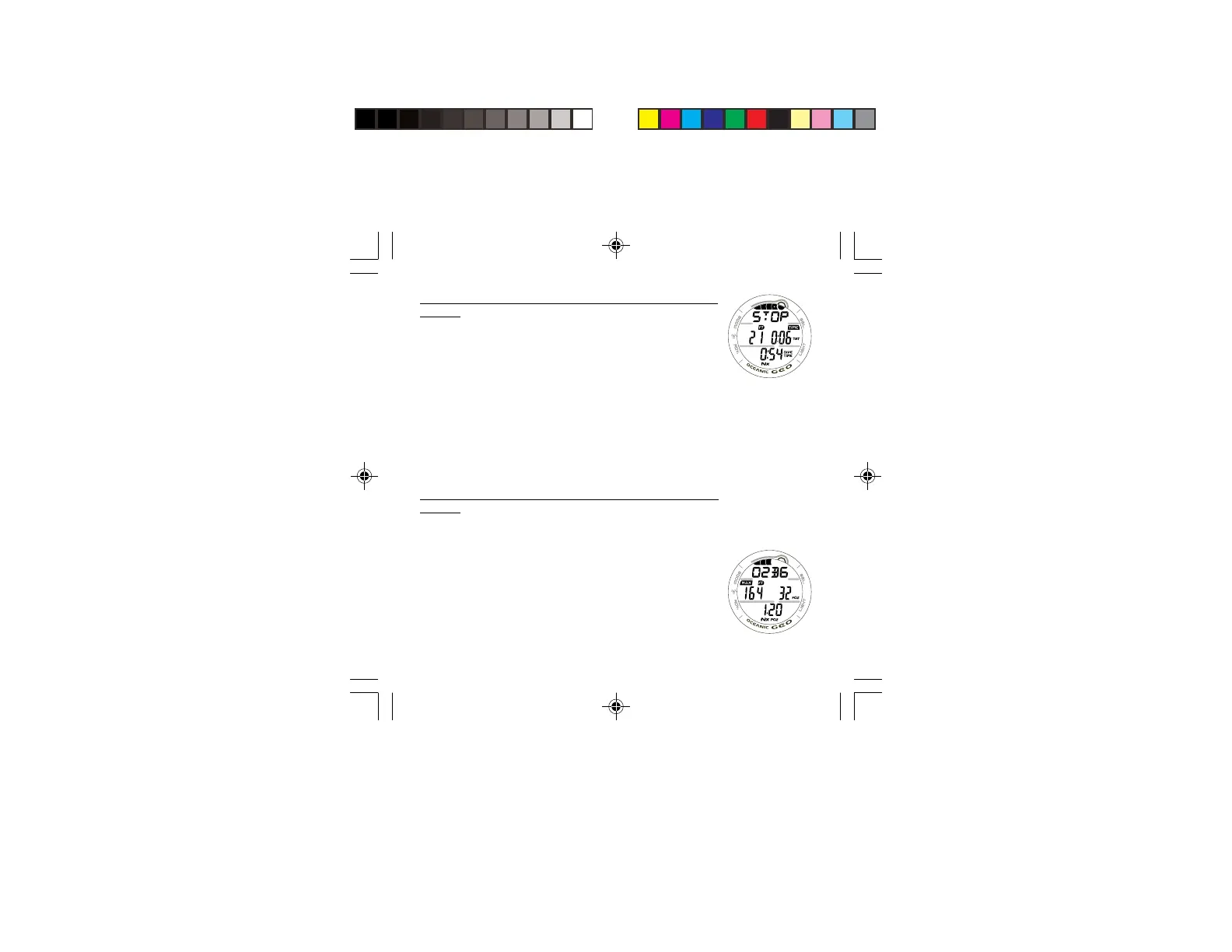
DECO STOP ALT 1 DISPLAY, information provided includes
(Fig. 79) -
> TLBG, all 5 segments indicating DECO.
> Graphic message DECO > STOP > xxF (or xxM),
scrolling, indicating the Stop Depth required.
> Current Depth with FT (or M) icon.
> Total Ascent Time (hr:min) with TIME and TAT icons.
> Elapsed Dive Time (hr:min) with DIVE and TIME icons.
> Nx icon, if FO2 is set for Nitrox.
• The display will revert to the MAIN Display after 5
seconds unless the A button is pressed.
• Press/release the A button (< 2 seconds) to view the Deco
Stop ALT 2 screen.
DECO STOP ALT 2 DISPLAY, information provided includes
(Fig. 80) -
> Bar Graph representing O2 Accumulated with graphic
O2BG, if FO2 is set for Nitrox.
> Max Depth with MAX and FT (or M) icons.
> FO2 Set Point with FO2 icon, if FO2 is set for Nitrox.
> PO2 (x.xx ATA) with PO2 icon, if FO2 is set for Nitrox.
> Nx icon, if FO2 is set for Nitrox.
• The display will revert to the MAIN Display after 5
seconds unless the A button is pressed.
• Press/release the A button to view the Secondary Display.
Fig. 79 - DECO STOP
ALT 1
Fig. 80 - DECO STOP
ALT 2



 To Next Page