41
NORM SURF MAIN - Button Operations:
• Pressing the L button will activate the Backlight.
• Repeat press/release of the A button (< 2 seconds each
time) will step through the Surface Sequence -
SURF MAIN > PLAN > FLY > SAT > LOG > HISTORY
• Depressing and holding the A button for 2 seconds will
access the NORM SURF ALT screen, which will revert to
the Main Display after 5 seconds unless A is pressed.
• Pressing and releasing the A button (< 2 seconds), while
viewing the ALT screen, will access the Secondary Display
which will revert to the Main Display after 5 seconds or if
A is pressed and released again.
• Depressing both the A and S buttons simultaneously for 2
seconds will access the SET Menu (F > A > U) and Serial
Number screen.
SURF MAIN > SET FO2 > SET Alarms > SET Utilities > SN
• Depressing and holding the M button for 2 seconds will
access the GAUG SURF MAIN screen, then another 2
second press will access the FREE SURF MAIN screen.
NORM SURF > GAUG SURF > FREE SURF
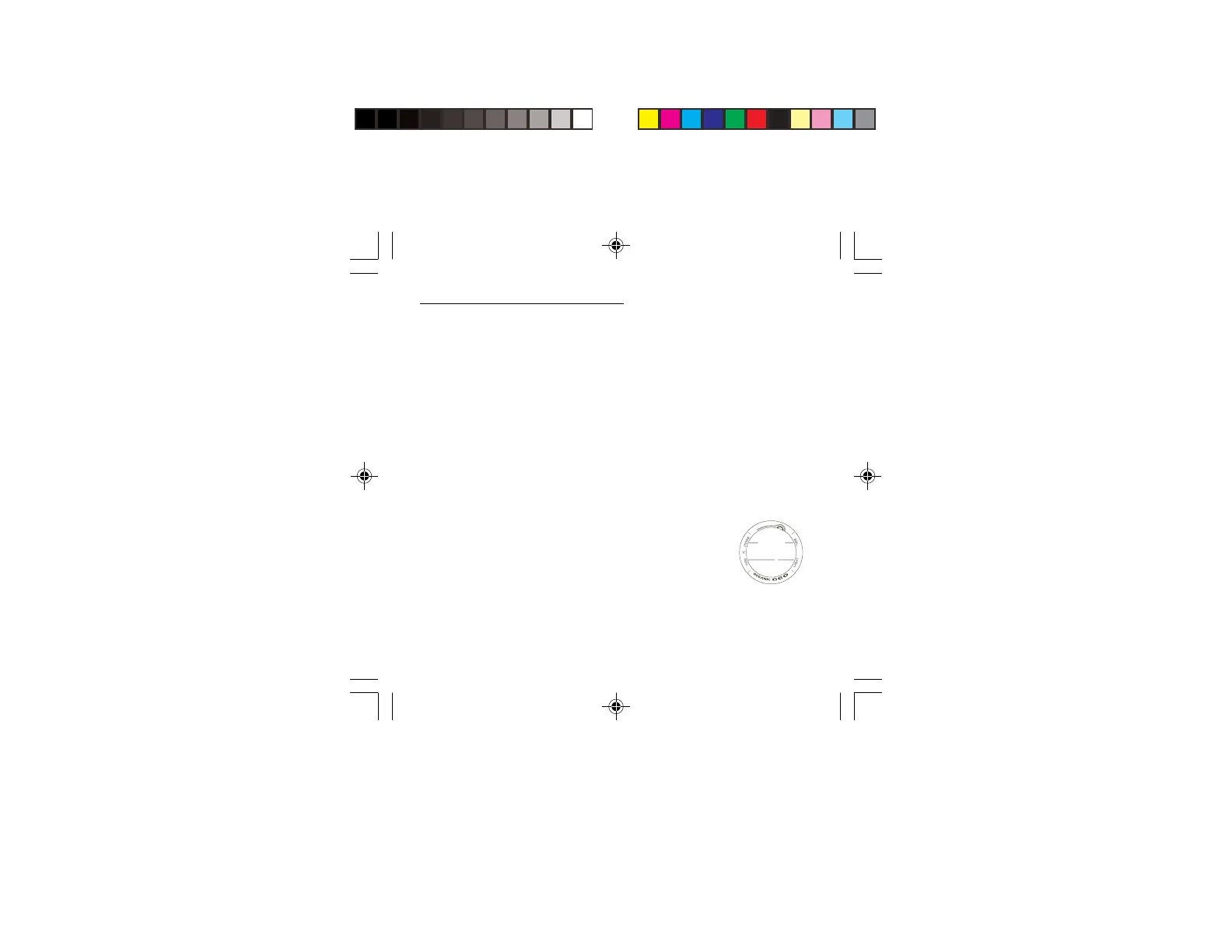
Upper/Left - Mode (M)
Upper/Right - Select (S)
Lower/Right - Light (L)
Lower/Left - Advance (A)
BUTTON LOCATIONS
M
A
S
L



 To Next Page