104
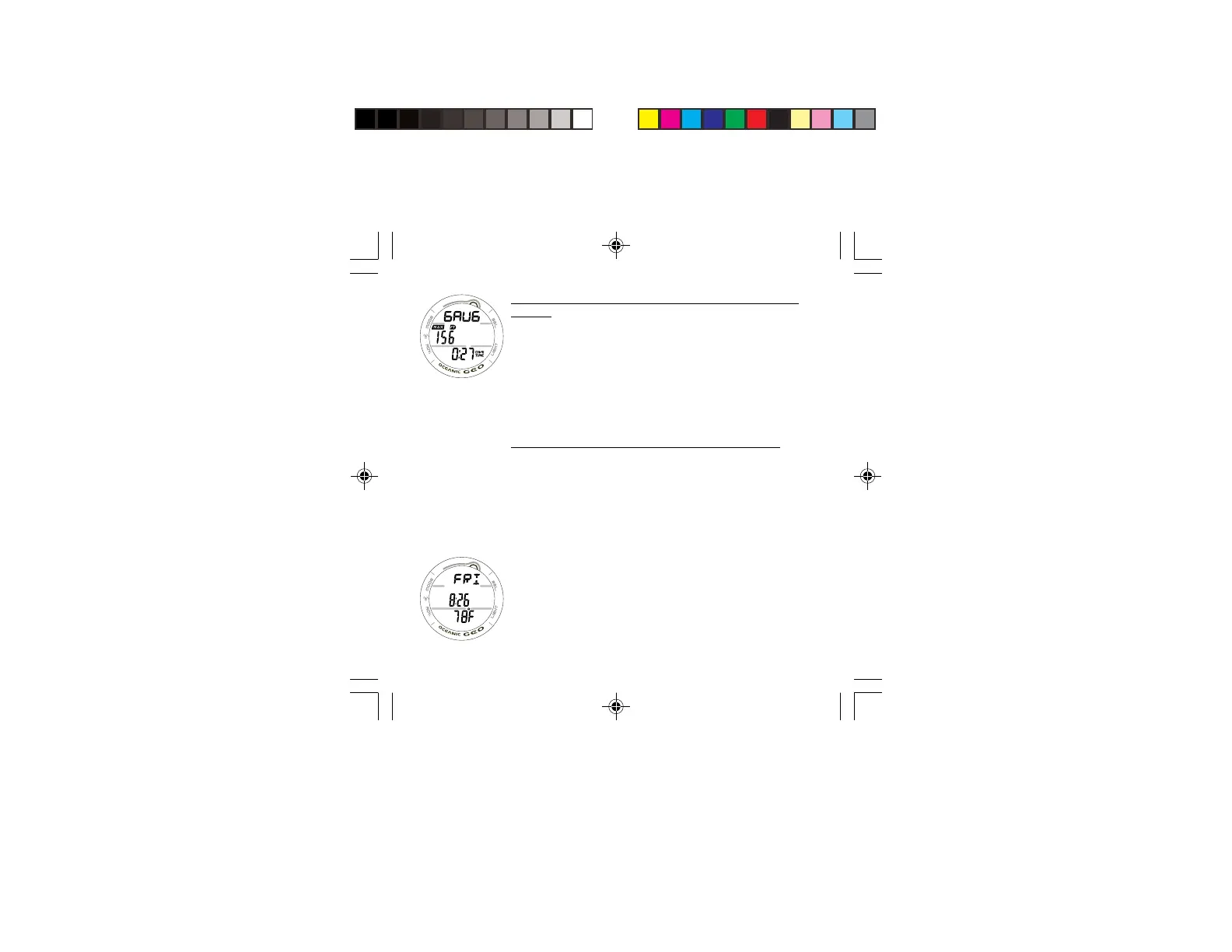
GAUG DIVE ALT DISPLAY, information provided includes
(Fig. 95) -
> Graphic GAUG.
> Max Depth with MAX and FT (or M) icons.
> Elapsed Dive Time (hr:min) with DIVE and TIME icons.
• Press/release the A button to access the Secondary
display.
• The display will revert to the MAIN Display after 5
seconds unless the A button is pressed/released.
SECONDARY DISPLAY, information includes (Fig. 96) -
> Day of the Week graphic (MON, TUE, etc.)
> Time of Day (hr:min). This will be the Watch Time selected
(MAIN or ALTERNATE).
> Temperature with degrees icon and graphic F (or C).
• The display will revert to the MAIN Display after 5
seconds or if the A button is pressed/released.
Fig. 95 - GAUG DIVE
ALT
Fig. 96 - SECONDARY



 To Next Page