61
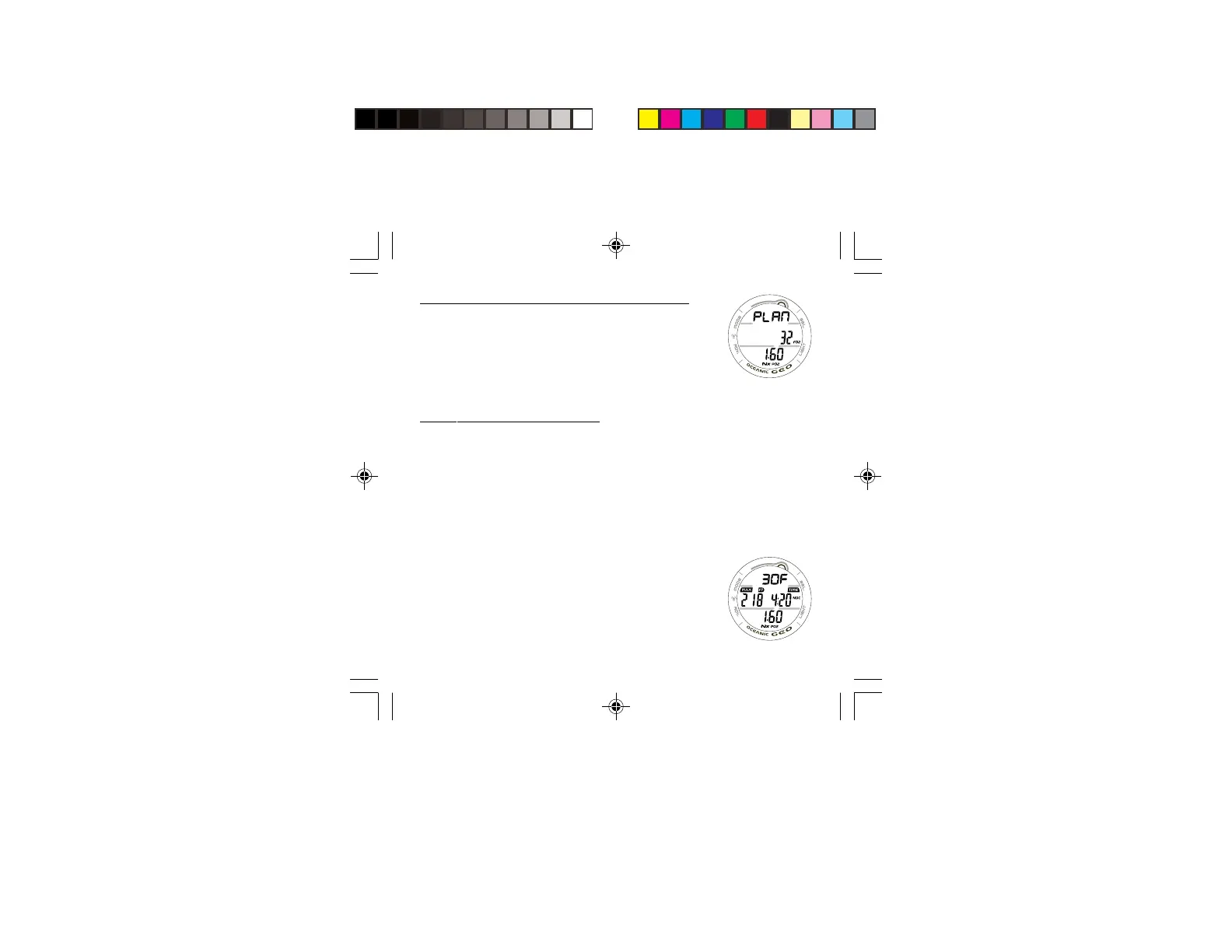
PLAN MODE LEAD-IN, information includes (Fig. 54):
> Graphic PLAN
> FO2 Set Point with FO2 icon
> PO2 Alarm Set Point (x.xx ATA) with Nx and PO2 icons,
when numerical values are displayed.
• Press and release the S button momentarily (< 2 seconds)
to access the first screen (30 FT/9 M) of the PDPS.
PDPS, information includes (Fig. 55):
> Plan Depth value with F (= feet) or M (= meters) graphic.
> Max Depth allowed for the PO2 Alarm value set with MAX
and FT (or M) icons, if FO2 is set for Nitrox.
> Dive Time allowed (hr:min) for the FO2 value set with TIME
and NDC (or O2 if Oxygen controlled) icons.
> PO2 Alarm Set Point (x.xx ATA) with Nx and PO2 icons, if
FO2 is set for Nitrox.
• Press and release the S button momentarily and repeatedly
(< 2 seconds each time) to step through the Planned
Depths in increments of 10 FT (3 M), displaying the
information one screen at a time.
• Depress and hold the M button for 2 seconds to exit the
PDPS and revert to the NORM SURF MAIN screen.
Fig. 54 - PLAN LEAD-IN
Fig. 55 - PDPS



 To Next Page