70
• Pressing and releasing the A button momentarily (< 2
seconds) will advance to the NORM (or GAUG) SURF
MAIN screen.
• Depressing and holding the M button for 2 seconds or if
no button is pressed during a 2 minute period operation
will revert to the NORM (or GAUG) SURF MAIN screen.
• Pressing the L button will activate the Backlight.
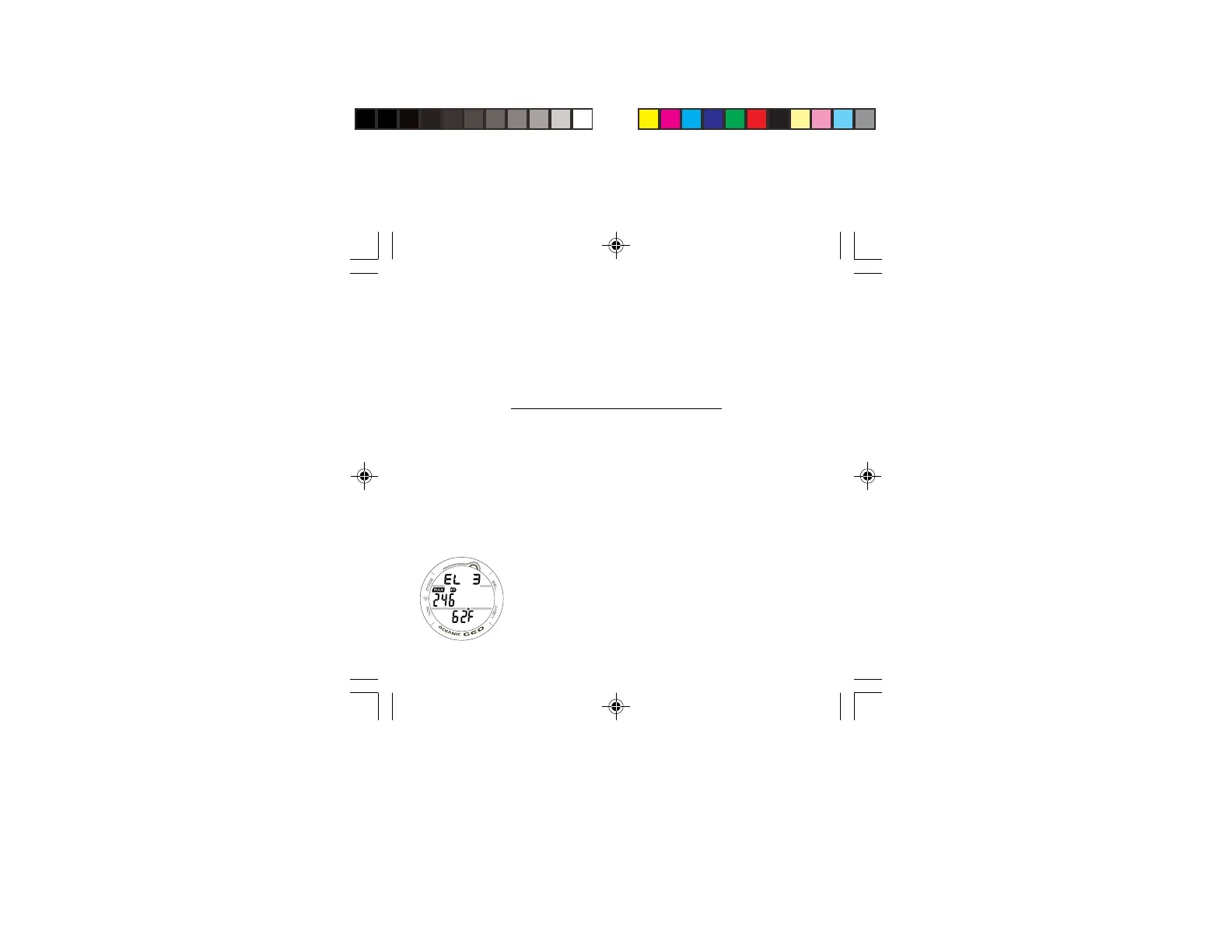
HISTORY 2, information includes (Fig. 63):
> Graphic SEA (or EL 2 through EL 13), representing the
maximum Altitude at which a dive was conducted.
> Maximum Depth achieved during all dives with MAX and
FT (or M) icons.
> Temperature (lowest recorded of all dives) with degrees
icon and graphic F (or C).
• Pressing and releasing the S button momentarily (< 2
seconds), or depressing and holding the M button for 2
seconds, or if no button is pressed during a 2 minute
period, operation will revert to the NORM (or GAUG)
SURF MAIN screen.
• Pressing the L button will activate the Backlight.
Fig. 63 - HISTORY 2



 To Next Page