111
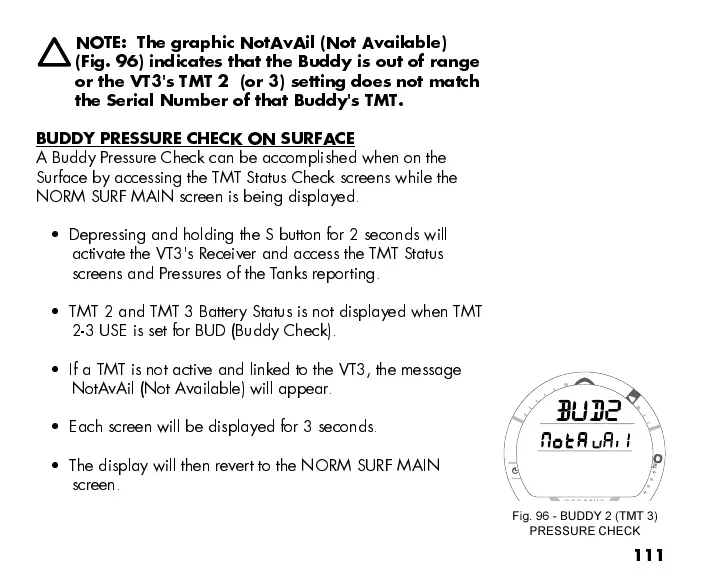
NOTE: The graphic NotAvAil (Not Available)
(Fig. 96) indicates that the Buddy is out of range
or the VT3's TMT 2 (or 3) setting does not match
the Serial Number of that Buddy's TMT.
BUDDY PRESSURE CHECK ON SURFACE
A Buddy Pressure Check can be accomplished when on the
Surface by accessing the TMT Status Check screens while the
NORM SURF MAIN screen is being displayed.
Depressing and holding the S button for 2 seconds will
activate the VT3's Receiver and access the TMT Status
screens and Pressures of the Tanks reporting.
TMT 2 and TMT 3 Battery Status is not displayed when TMT
2-3 USE is set for BUD (Buddy Check).
If a TMT is not active and linked to the VT3, the message
NotA vAil (Not A vailable) will appear.
Each screen will be displayed for 3 seconds.
The display will then revert to the NORM SURF MAIN
screen.
Fig. 96 - BUDDY 2 (TMT 3)
PRESSURE CHECK



 To Next Page