110
Pressing and releasing the M button momentarily (< 2
seconds) while the TMT 2-3 USE (Lead-in) screen is
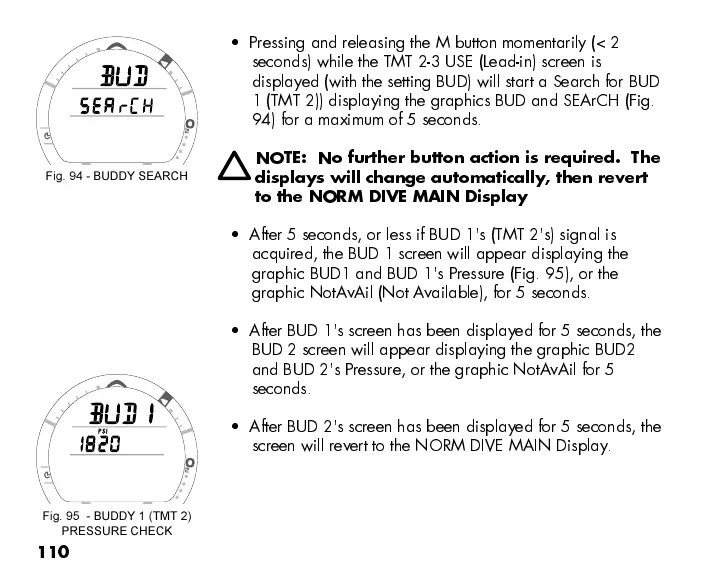
displayed (with the setting BUD) will start a Search for BUD
1 (TMT 2)) displaying the graphics BUD and SEArCH (Fig.
94) for a maximum of 5 seconds.
NOTE: No further button action is required. The
displays will change automatically, then revert
to the NORM DIVE MAIN Display
After 5 seconds, or less if BUD 1's (TMT 2's) signal is
acquired, the BUD 1 screen will appear displaying the
graphic BUD1 and BUD 1's Pressure (Fig. 95), or the
graphic NotAvAil (Not Available), for 5 seconds.
After BUD 1's screen has been displayed for 5 seconds, the
BUD 2 screen will appear displaying the graphic BUD2
and BUD 2's Pressure, or the graphic NotA vAil for 5
seconds.
After BUD 2's screen has been displayed for 5 seconds, the
screen will revert to the NORM DIVE MAIN Display.
Fig. 94 - BUDDY SEARCH
Fig. 95 - BUDDY 1 (TMT 2)
PRESSURE CHECK



 To Next Page