91
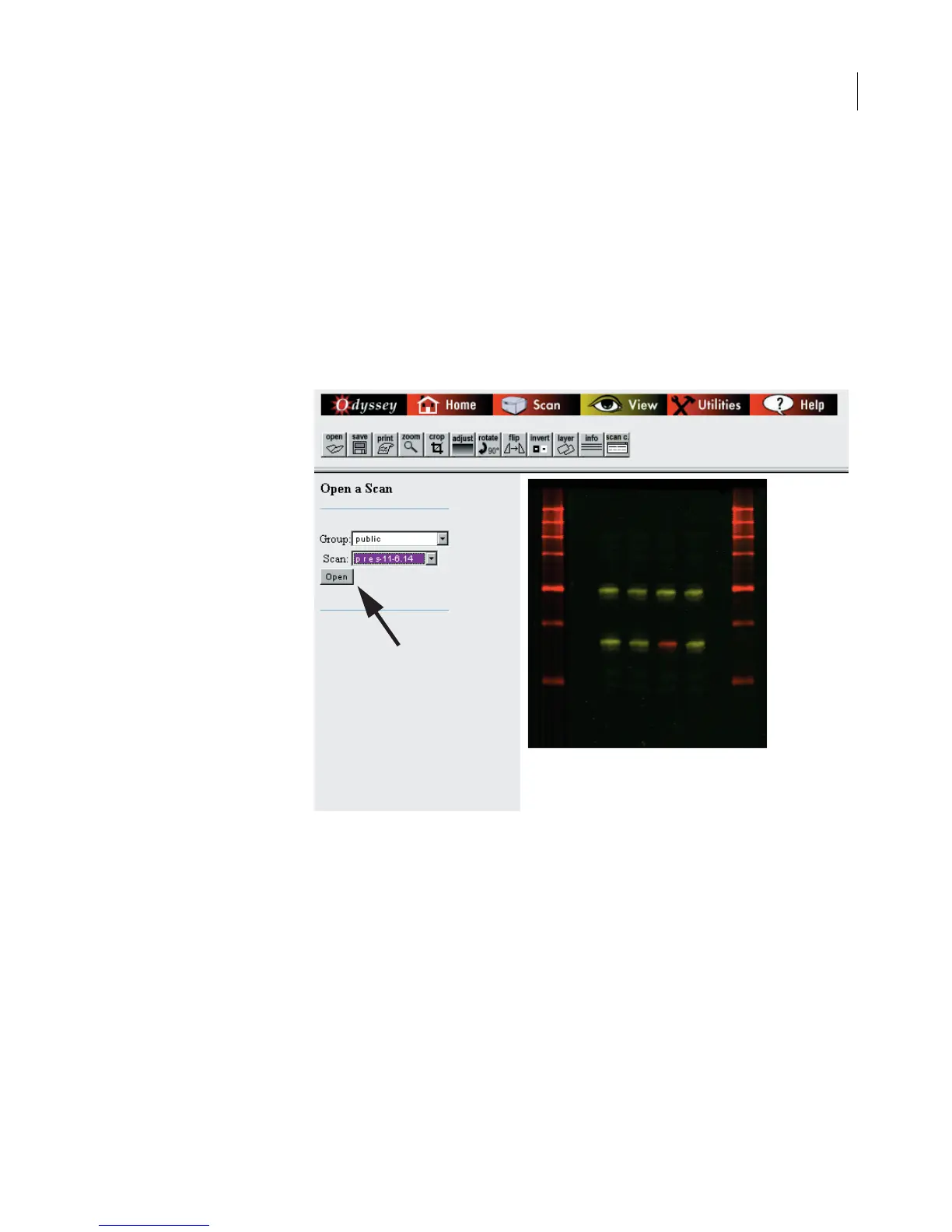
commonly used to store scans started from the Odyssey
®
front panel.
Each user has the ability to let other users access their scan group
(Chapter 5). The
Group
drop-down list shows all scan groups that are
available to the user who is logged in.
2)
Use the
Scan
drop-down list to select one of the scans in the
designated scan group.
3)
Click
Open
to open the image file(s).
Images are initially displayed in the right side of the window at actual
size (1:1). Large images may be displayed at a reduction to fit the
window.



 To Next Page