CHAPTER 3
26
Operation
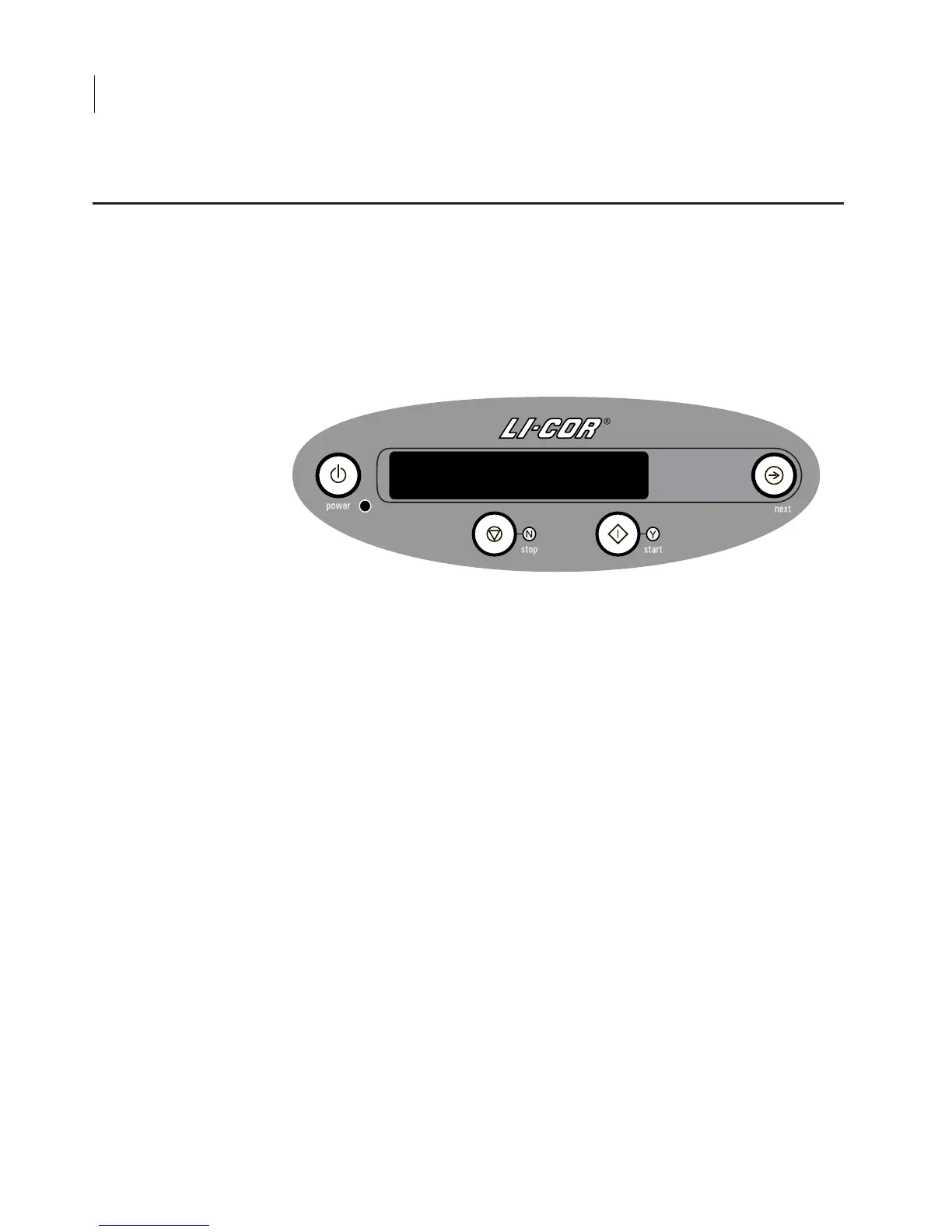
The front panel display is a 2-line, 20 character Vacuum Fluorescent
Display (VFD) for displaying operating parameters and software
command codes. The front panel keypad (Figure 3-6) is used to enter
software commands and to edit operating parameters.
Figure 3-6
. Keypad and display.
The front panel controls are as follows:
Power:
Powers the instrument On/Off. Also performs instrument
reset if held down for 4 seconds.
Stop (N):
Stops or pauses scanning, or cancels option currently
visible on LCD display.
Start (Y):
Starts scanning, or confirms option currently visible on
LCD display.
Next:
Scrolls through available options for front panel opera-
tions.
The display and keypad should be cleaned
only
with warm water and
a damp cloth.
Front Panel Controls



 To Next Page