CHAPTER 6
74
User and Scan Group Administration
If you are concerned about security, you may want to create a new
“Administrator” account and delete the account named admin that
was shipped with the Odyssey
®
Imager. This will prevent unautho-
rized access.
Initially, users have access to their own scan group and the public
scan group. Additional scan groups can be created for special
purposes. For example, if several people are all doing scans for a
particular research project, it might be useful to keep all of the scans
for a project in one scan group.
Important: The Odyssey Imager should not be used for permanent
file storage. When the hard drive is full, the oldest scan will be
automatically deleted to make room for new scans. (See Chapter 3
for scan size examples.)
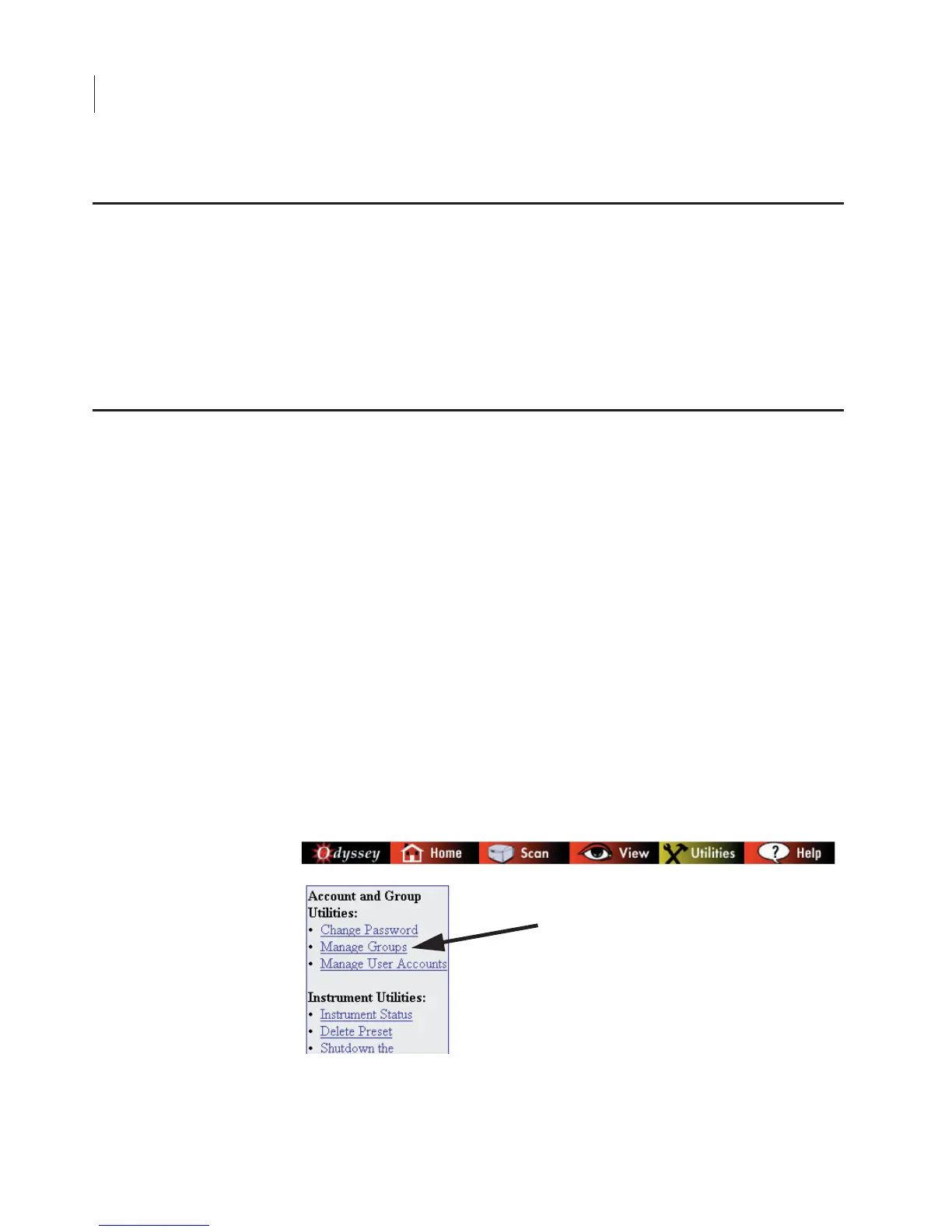
Creating a New Scan Group
1) Click the Manage Groups link on the Utilities page.
Deleting the Original Admin Account
Creating and Changing Groups



 To Next Page