13
Scanning Surface
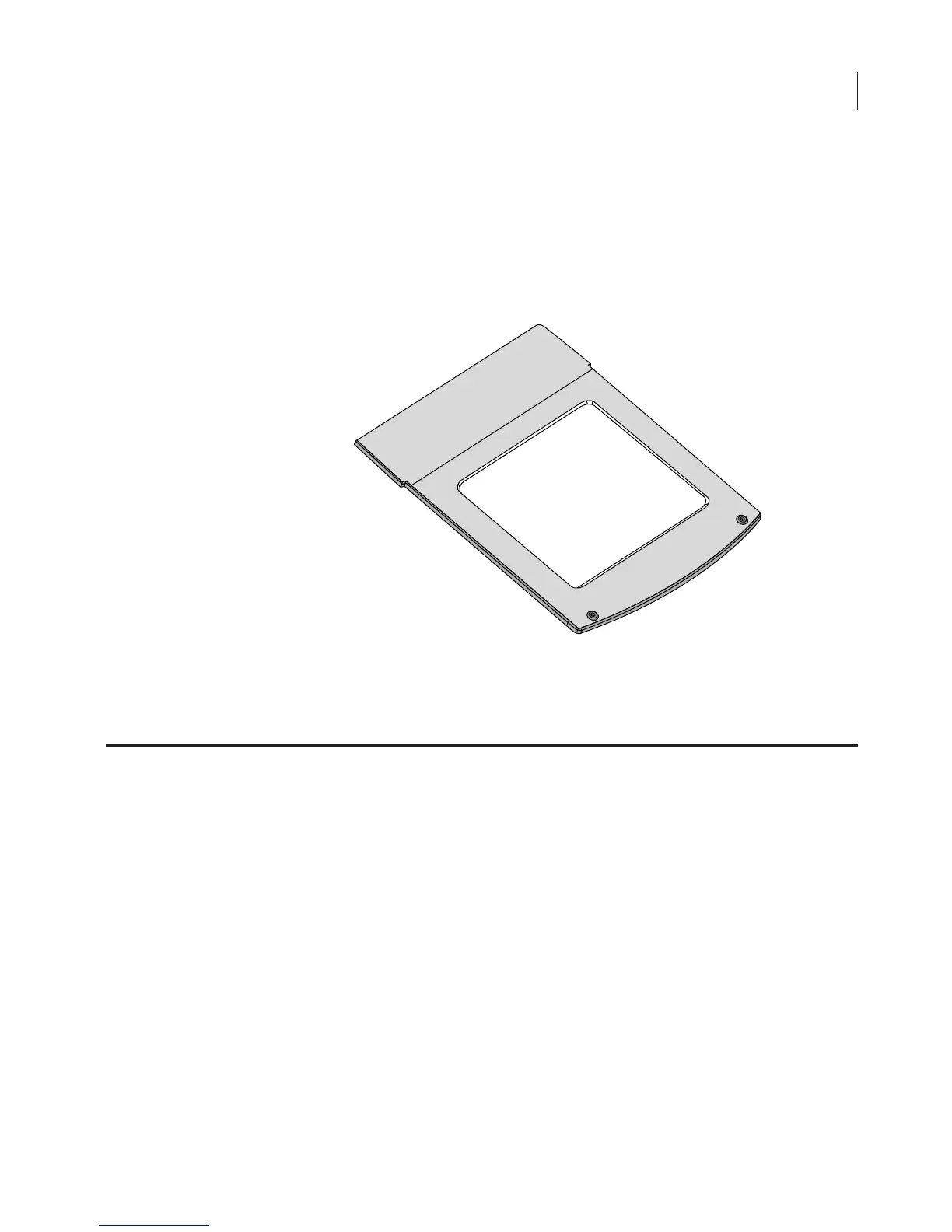
The scanning surface is a 25 cm
×
25 cm glass plate (below), upon
which the samples to be scanned are placed. The scanning surface is
sealed from the instrument interior so no moisture can penetrate to
the detection optics and electronics below.
Scans can be initiated in any of three ways; 1) using the Odyssey
®
Application Software; 2) using an Internet browser, or 3) from the
Odyssey keypad.
Scanning
Surface
Figure 2-1. Scanning surface on the Odyssey Imager.
General Description of Scanning



 To Next Page