CHAPTER 6
78
User and Scan Group Administration
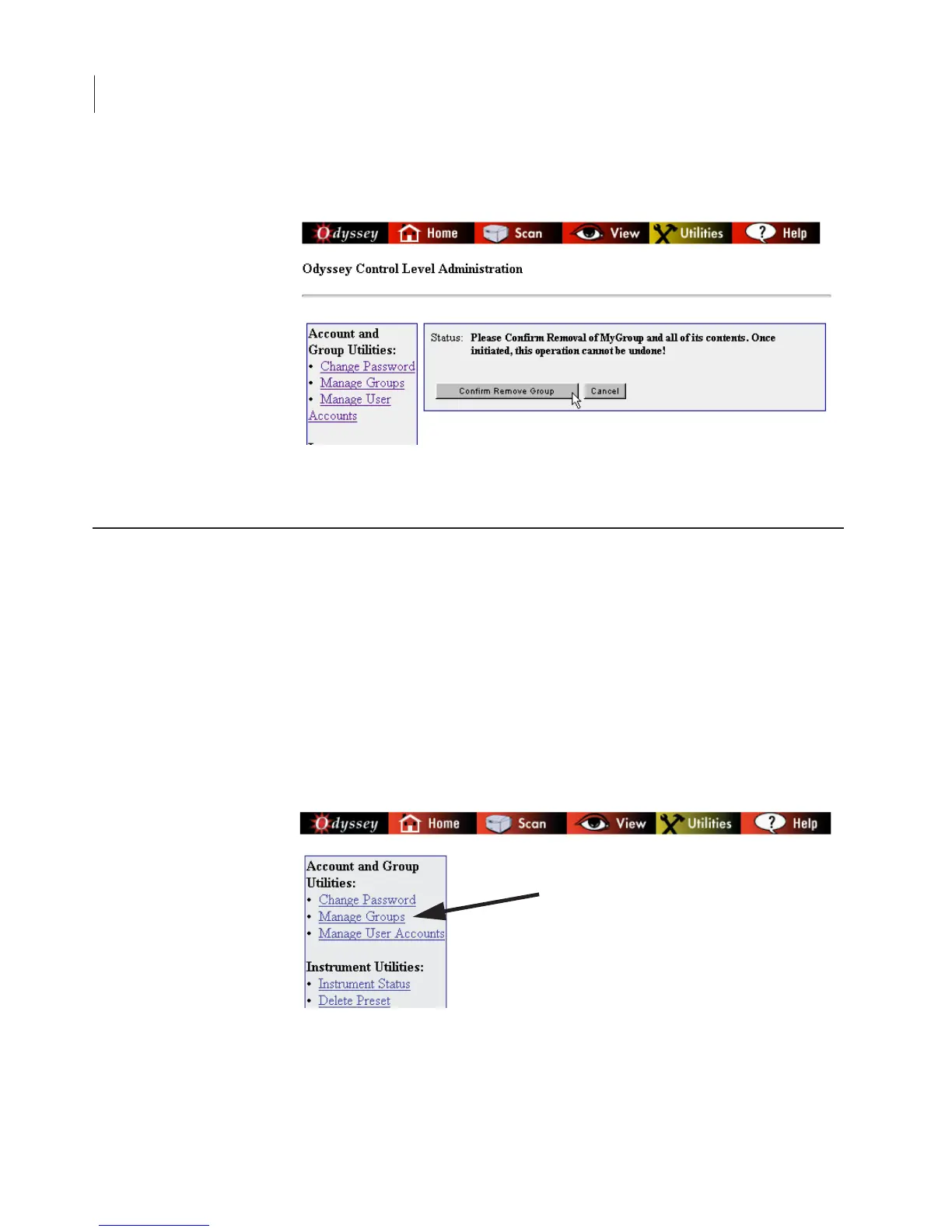
3) Click the Confirm Remove Group button.
Any user with Control rights and Change permission to a scan group
can use the Utilities page to display a list of scans in a group and
delete any of the listed scans. Users with Administrator rights can
delete scans in any scan group.
Important: Deleted scans cannot be restored. Make sure you want to
delete the scan before using this function.
1) Click the Manage Groups link on the Utilities page.
Viewing and Deleting Scans Within a Scan Group



 To Next Page