CHAPTER 3
24
Operation
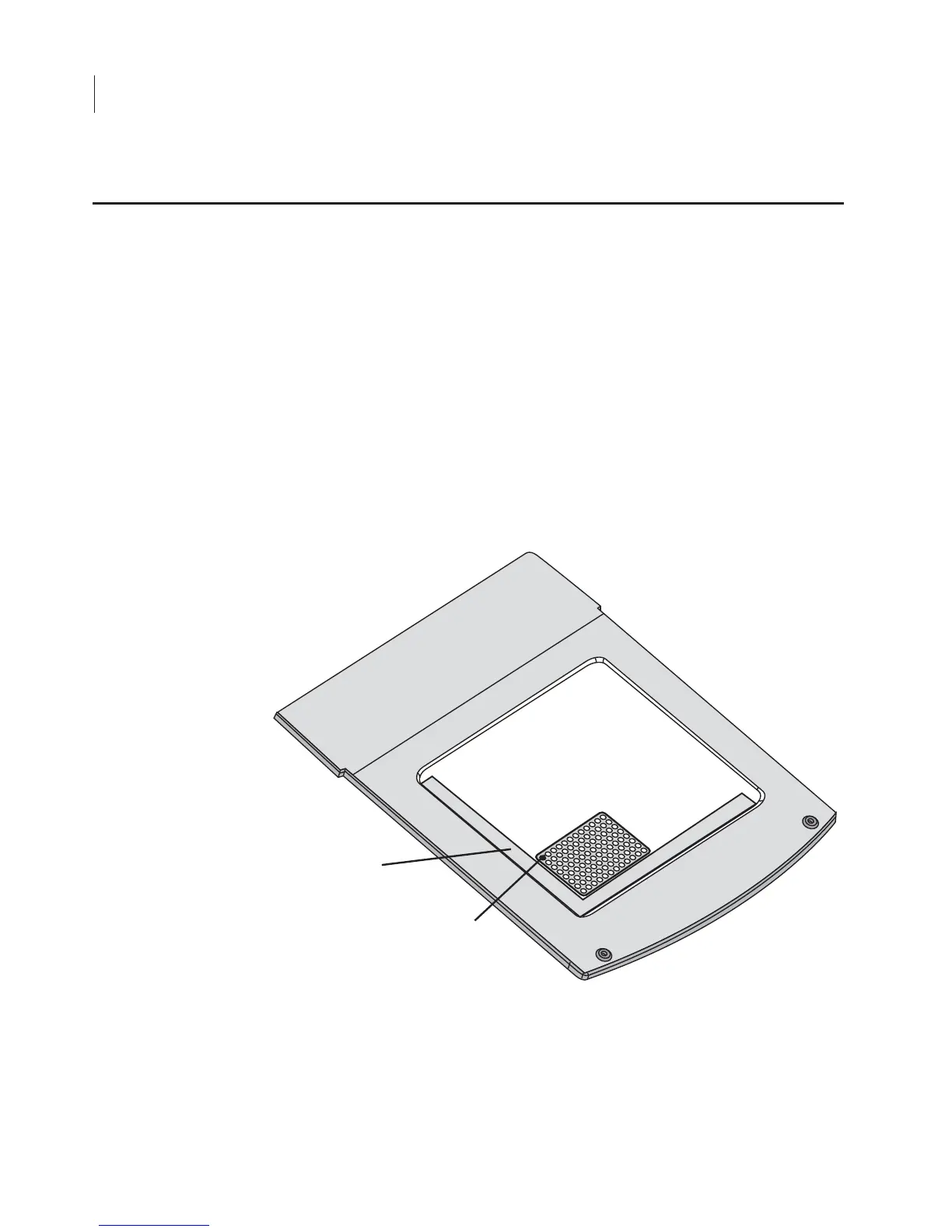
The plastic microplate alignment guide (P/N 9891-080) should be
placed on the scan surface so the corner of the guide contacts the
front, left corner of the bezel surrounding the scan surface. Push the
guide into the corner until it contacts the bezel on both the front and
left sides. Put the microplate on the scanning surface and slide it into
place until it contacts both the front and left side of the alignment
guide. The first well in the first row (A1) should be toward the back
and left side of the alignment guide as shown below. Microplates can
be scanned one at a time using the browser interface or by choosing
File > Scan
in the Odyssey
®
Software and using the
Microplate2
scan
preset.
Figure 3-4
. The microplate alignment guide should be placed in the front, left
corner and should contact the bezel surrounding the scan surface.
Positioning Microplates
A1



 To Next Page