CHAPTER 7
82
Starting Scans Using An Internet Browser
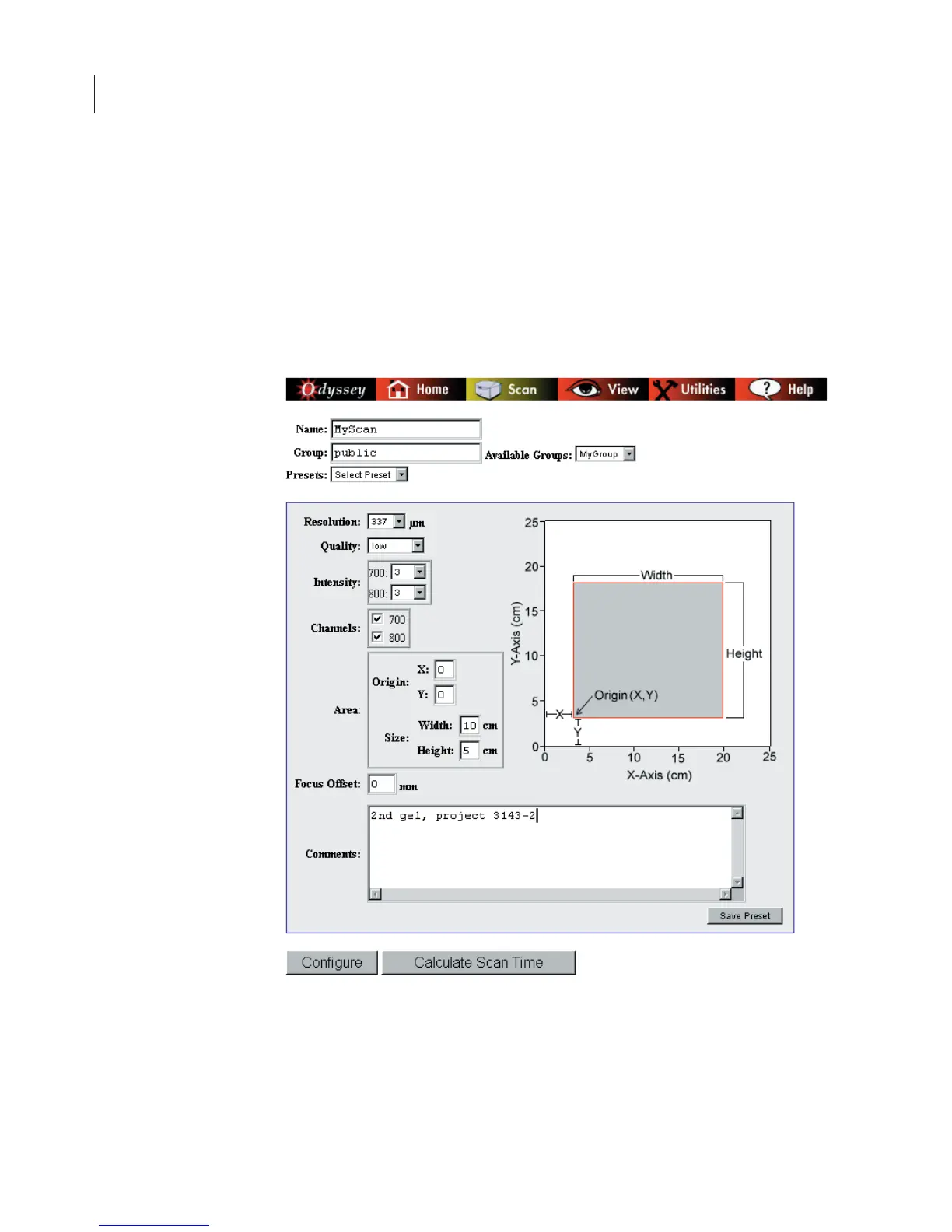
Naming the Scan
1)
Enter a name for the scan in the
Name
field.
2)
Select a scan group from the
Available Groups
drop-down list.
Initially the scan groups listed may include only your own group and
the
public
scan group. Chapter 5 describes how to create additional
groups and how to let other users access your groups.



 To Next Page