75
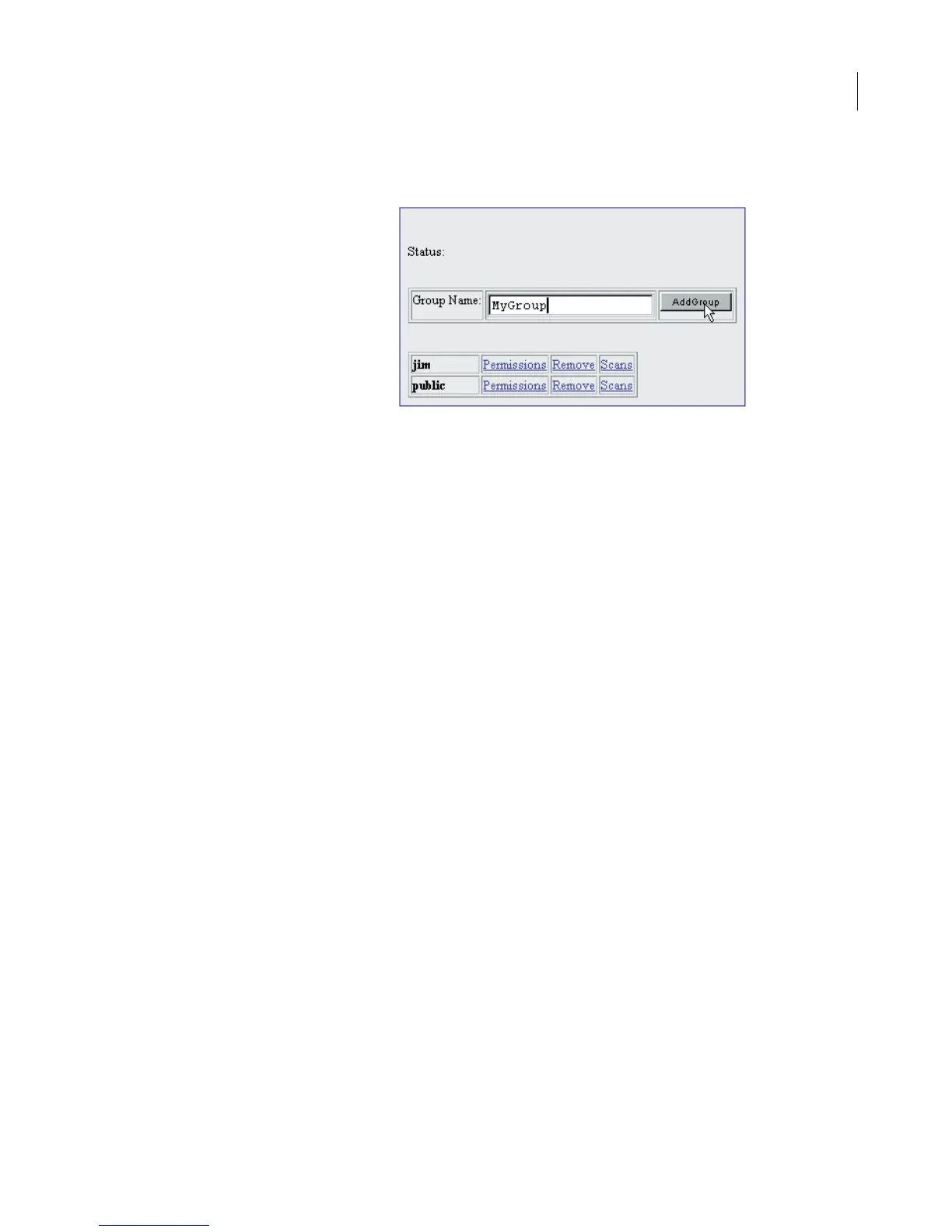
2) Enter a name for the group in the Group Name field.
3) Click Add Group to create the new group.
The status line will indicate that the group has been successfully
created. In addition, the newly added group should now be listed in
the table with the other groups. The user who created the group is
automatically given permission to access the new group. The next
section shows how to give others access to the group.
Changing Access Permission of a Scan Group
Any user with Control account rights and Change permission to a
scan group can permit other users to access the scan group. Users
with Administrator rights can change permission for any scan group.
1) Click the Manage Group link on the Utilities page.



 To Next Page