CHAPTER 7
88
Starting Scans Using An Internet Browser
examined by clicking
More Information
. To stop or pause a scan,
click the
Scan C
button in the toolbar to display the Scanner Console
window.
Stopping a Scan
At the end of a scan, image files are stored on the Odyssey
®
Imager’s
internal hard drive in the specified scan group. Images stored on the
Odyssey Imager can be downloaded using the Odyssey application
software, or using a browser as described in Chapter 7.
To interrupt a scan before automatic completion, click
Pause
in the
Scan Console. To complete a scan before the entire area has been
scanned, click
Stop
. To abandon a scan completely, click
Cancel
. The
difference between
Stop
and
Cancel
is that
Stop
saves the scan files
and
Cancel
does not. The
Close
button simply closes the window.
Any user with
Control
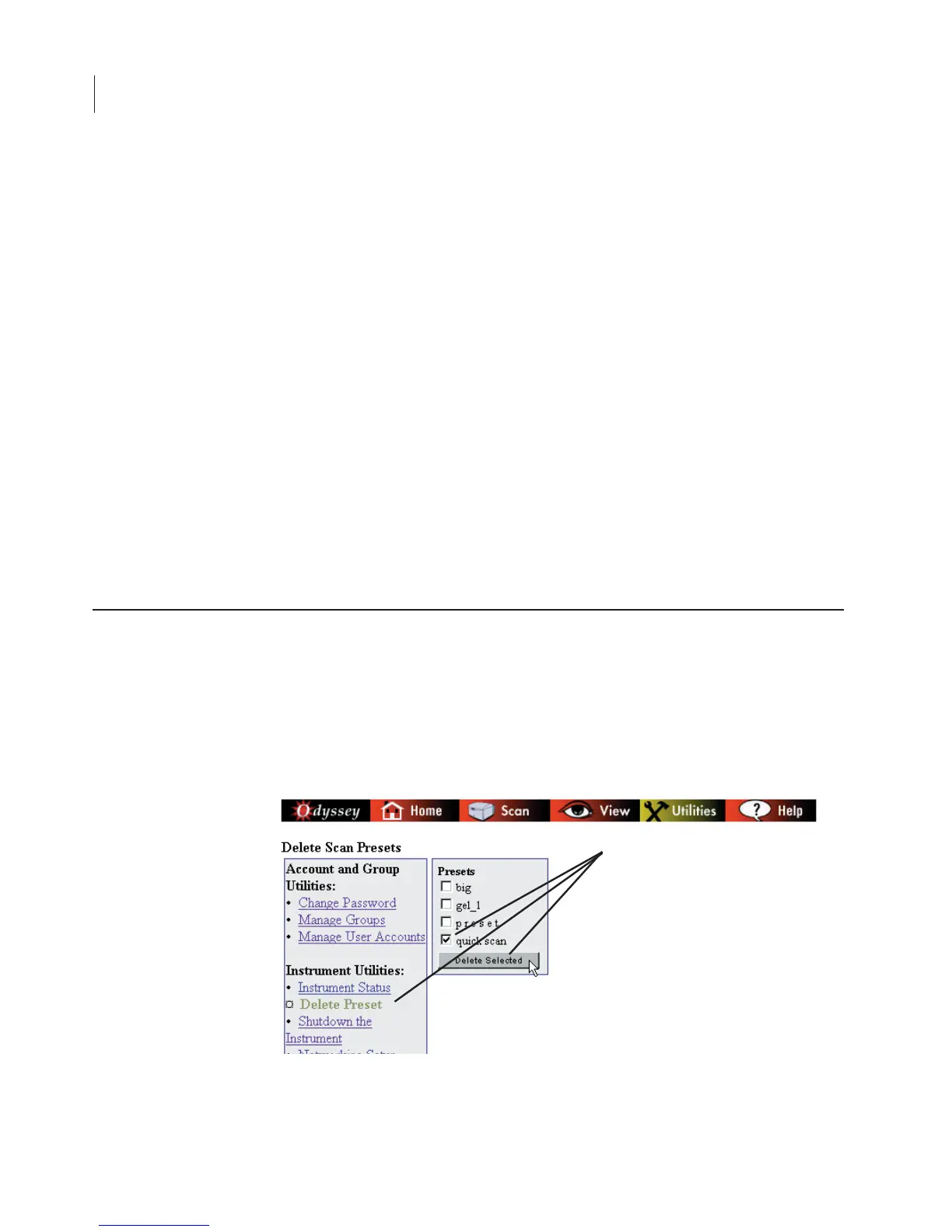
rights can save Preset scan parameters using
the Scan Setup window used to start scans. Presets can be saved by
editing the scan parameters and clicking
Save Preset
at the bottom of
the Scan Setup window.
Saving and Deleting Preset Parameters



 To Next Page