29
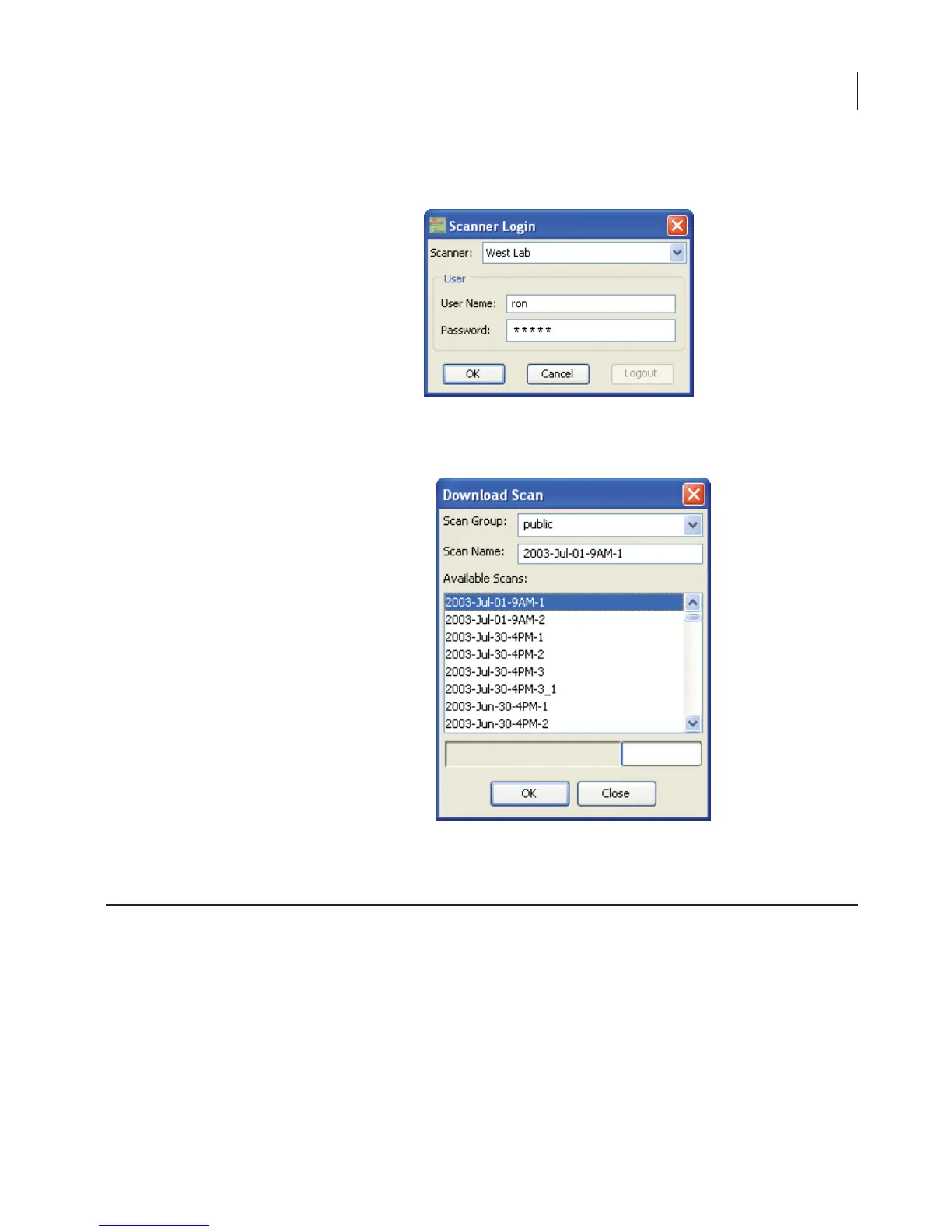
3) Select the scanner, and enter your user name and password.
4) Select the public scan group and select the scan in the Available
Scans list.
5) Click OK to download the selected scan into the current project.
The file size for scans from the Odyssey
®
Imager is dependent upon
the resolution of the scan and the area of the sample that is scanned.
Scan resolution can be set at 21, 42, 84, 169, or 337 µm. The largest
File Size and Storage Capacity



 To Next Page