CHAPTER 4
54
Connecting the Odyssey Imager to a Network
Configuring the Computer with a Static or Automatic
(DHCP) IP Address
The following are generalized instructions for configuring Windows
®
7
to use a static or automatic (DHCP) IP address. Consult with your
network administrator for specifics on configuring a computer for
your network.
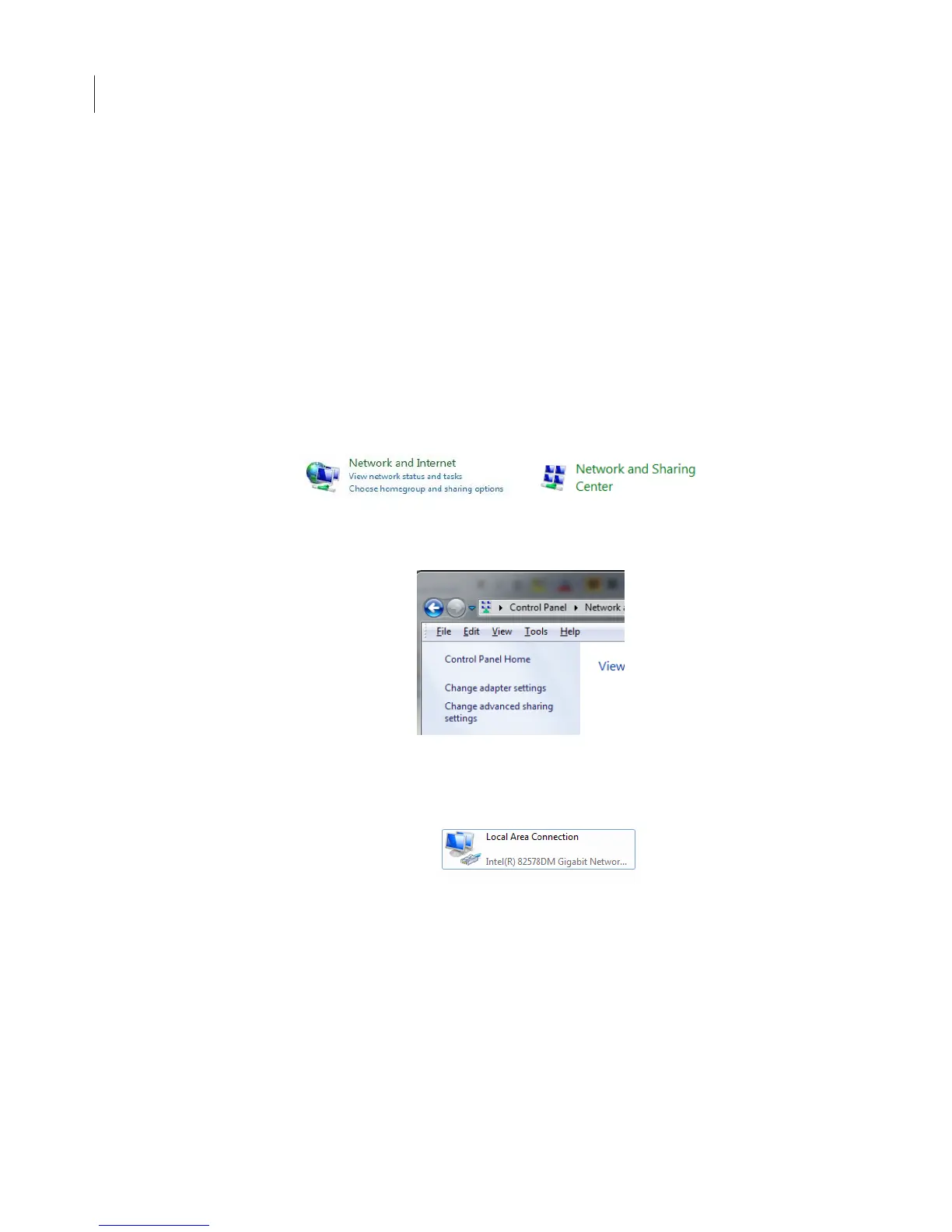
1) On the Windows Start menu, select Control Panel.
2) Double click on View network status and tasks or Network and
Sharing Center.
3) In the left sidebar, click Change Adapter Settings.
4) In the Network Connections window, double click Local Area
Connection for the NIC you want to configure.



 To Next Page