81
Scans can be started from the Odyssey
®
instrument keypad, the
Odyssey Application Software, or by using an Internet browser. Only
the Internet browser method of starting scans is discussed in this
chapter.
1)
Open the Odyssey home page by entering the IP address or host
name of the Odyssey Imager as described in Chapter 4.
2)
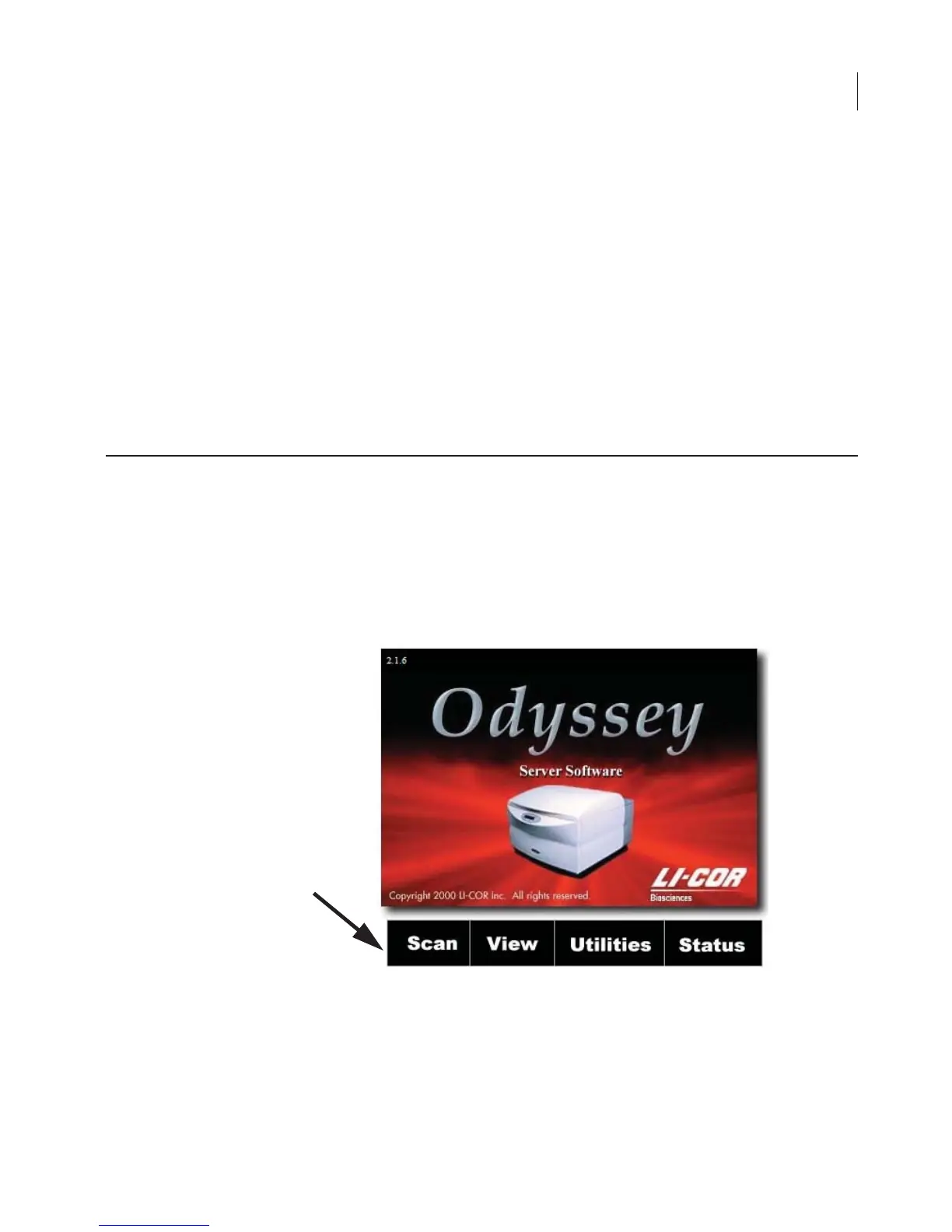
On the home page, click the
Scan
link to open the Scan Setup
page.
Using the Scan Setup Window
Chapter 7: Starting Scans Using an
Internet Browser



 To Next Page