105
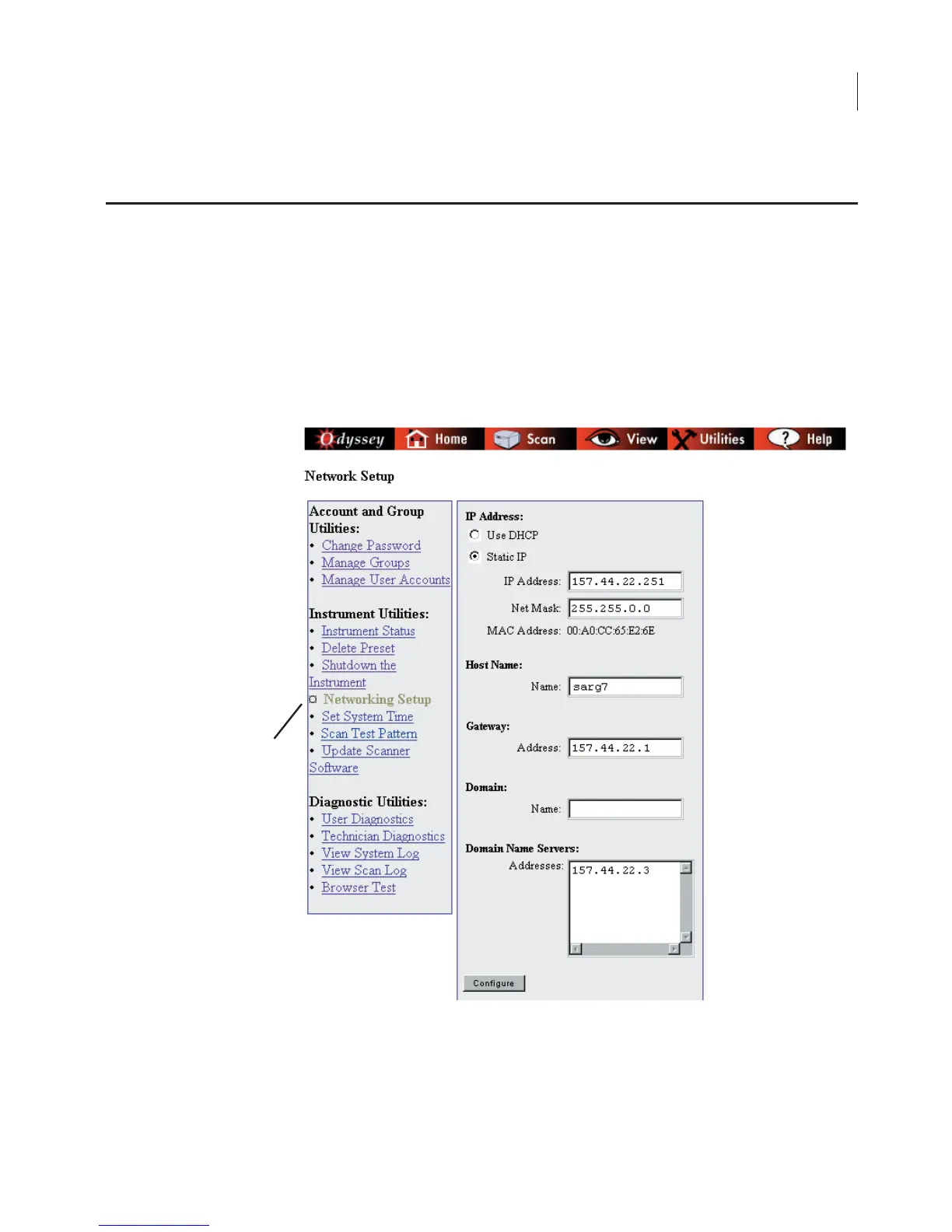
Network connections and cabling for both the Odyssey
®
Imager and
the system computer are discussed in the Odyssey Installation
Manual. Before connecting to your local network, consult with your
network administrator on how to fill out the Network Setup page. A
brief description of how the Odyssey Imager uses each field is given
below.
Note:
For stand-alone (non-network) configurations, the
IP Address
and
Net Mask
can
be entered from the Odyssey front panel as described in the Installation Manual.
Editing Network Addresses
The Network Setup link
is found on the Utilities
page.



 To Next Page