93
Cropping an Image
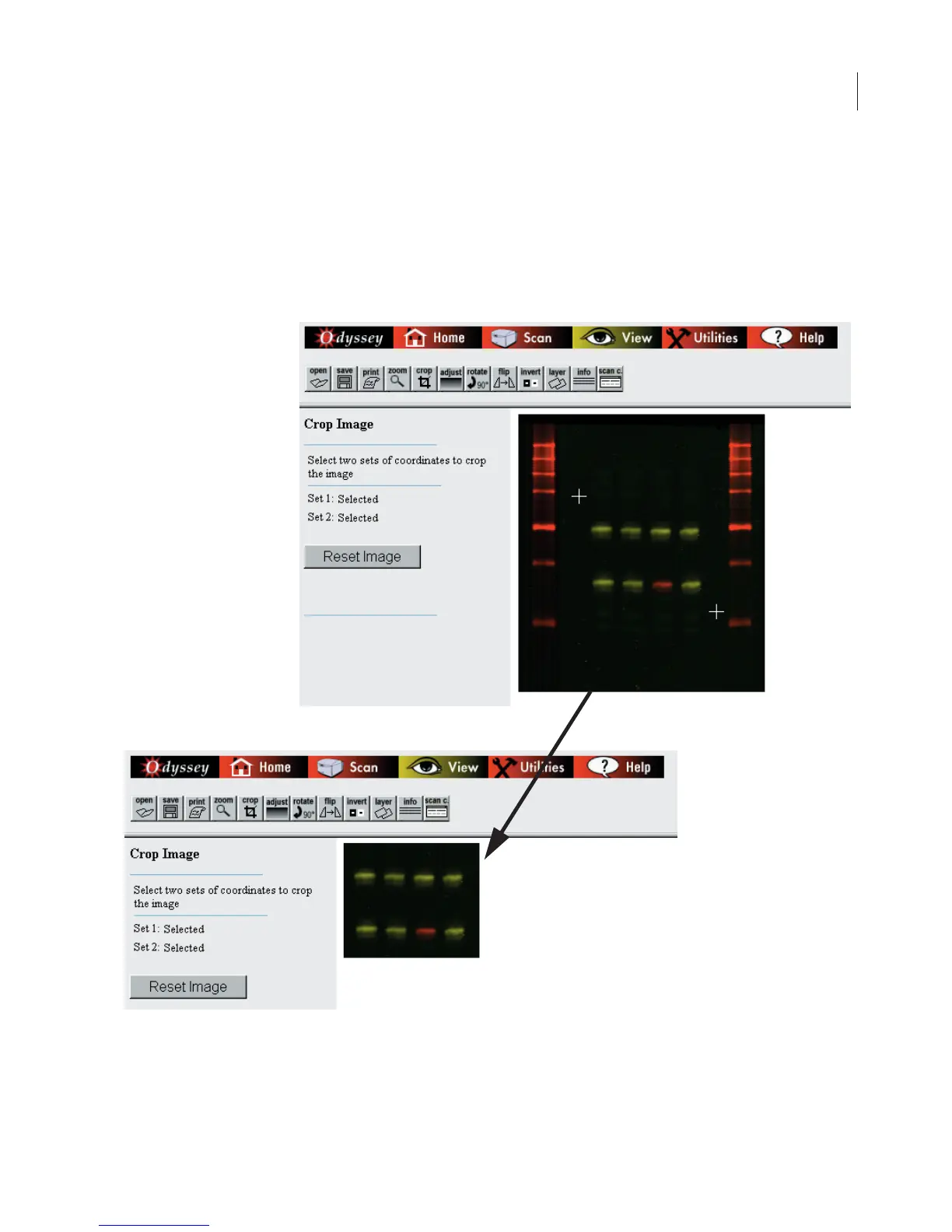
To crop an image, start by clicking
Crop
in the toolbar. Next, define
a rectangular crop area by clicking the mouse at the upper-left and
lower-right corners of the area to be cropped, as shown below (cross
hair marks are show for illustration only).
To display the entire image again, click the
Reset Image
button.



 To Next Page