89
1)
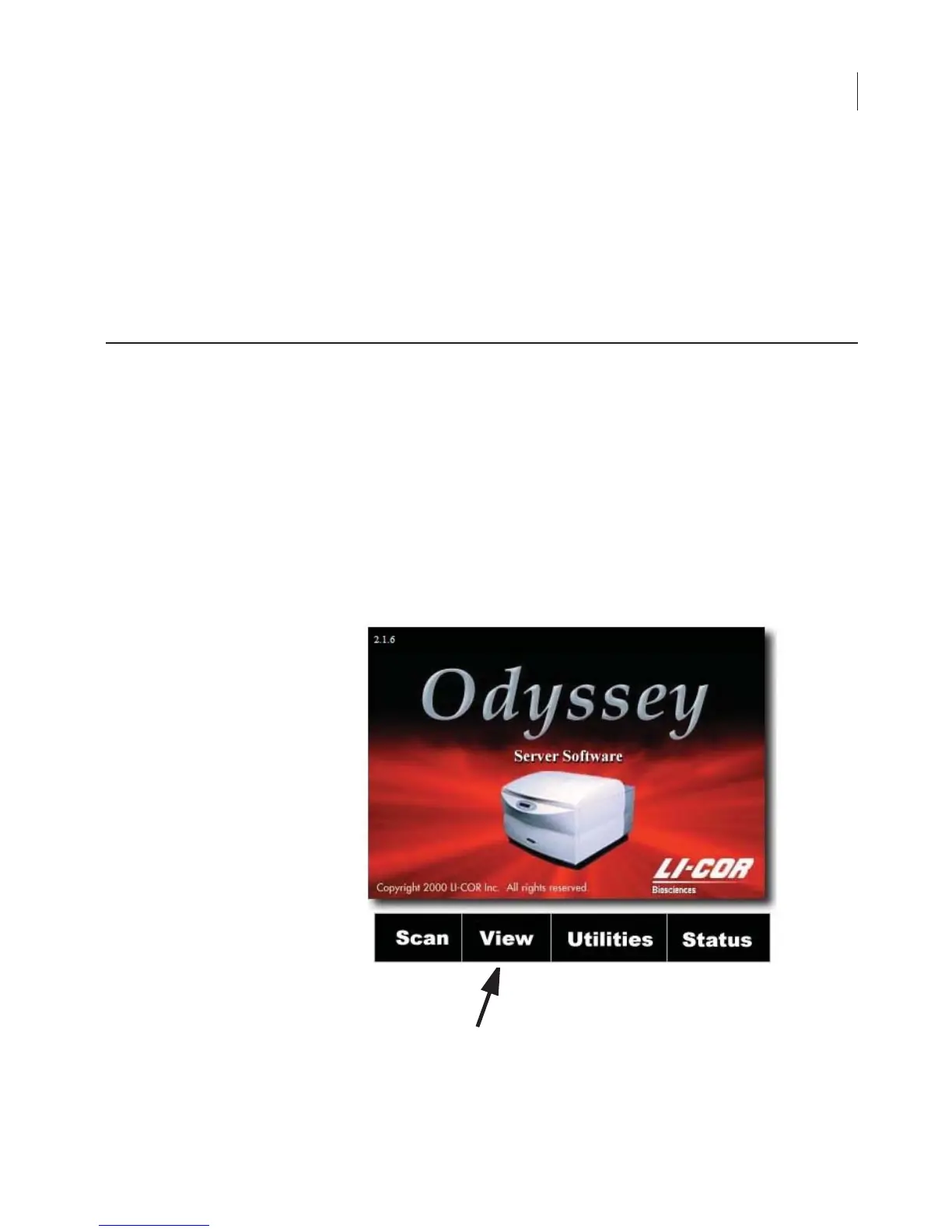
Open the Odyssey
®
home page using a browser as described in
Chapter 4.
2)
Click the maximize button on the browser window. (Images are
often large and it is best not to resize the browser window while
viewing an image.)
3)
On the home page, click the
View
link to open the Image View
page.
Opening the View Page
Chapter 8: Importing and Editing
Scanned Images



 To Next Page