87
current scan is complete (though they can download scans for
analysis). While the Odyssey
®
Imager is reserved but not scanning,
the membrane can be placed on the scan surface without inter-
ruption from another user.
6)
Place the membrane, gel, or microplate on the scan surface as
described in Chapter 3 and click
Start
in the Scan Console to
begin the scan.
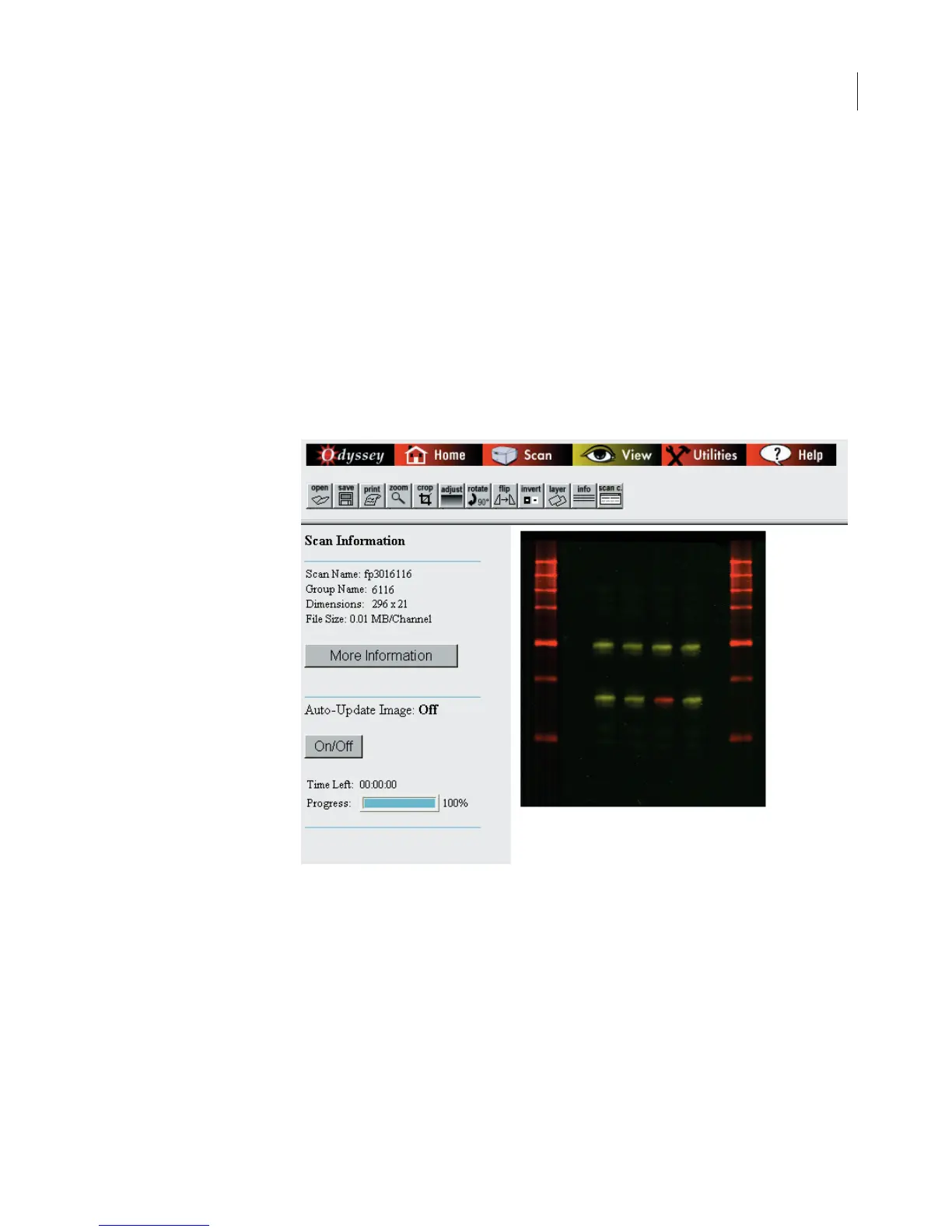
When the scan is started, the scan information page in the View
section is displayed.
To see the image as it is being scanned, make sure
Auto-Update
Image
is
On
(click the
On/Off
button as needed). The percentage of
the scan that has been completed is shown in the
Progress
bar. All of
the scan parameters entered in the scan setup window can be



 To Next Page