CHAPTER 2
14
Odyssey Overview and General Description
When scanning is initiated from the Odyssey
®
Application Software
or an Internet browser, the user is presented with a representation of
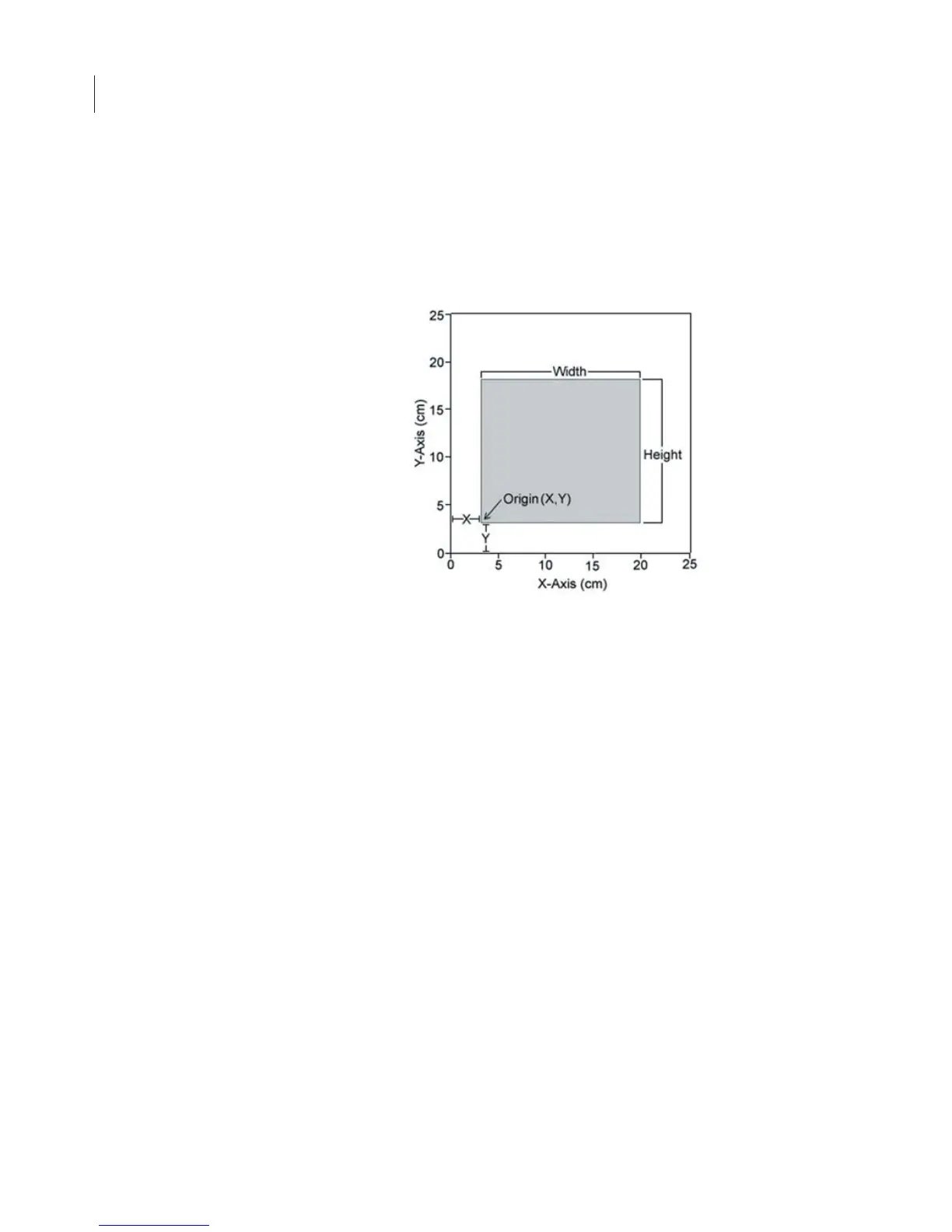
the scanning surface, from which the origin of the scan and the size
of the area to be scanned are chosen.
Scanning starts at the lower left hand corner of the scanning surface
(when facing the front of the instrument), and progresses first across
the X axis, and then steps up incrementally along the Y axis of the
scanning surface, as shown in Figure 2-3. The scan will again
progress along the X axis until the specified area has been scanned.
Figure 2-2. Scan origin and size of sample are chosen in the software.



 To Next Page