CHAPTER 5
62
Accessing the Odyssey Imager With An Internet Browser
3)
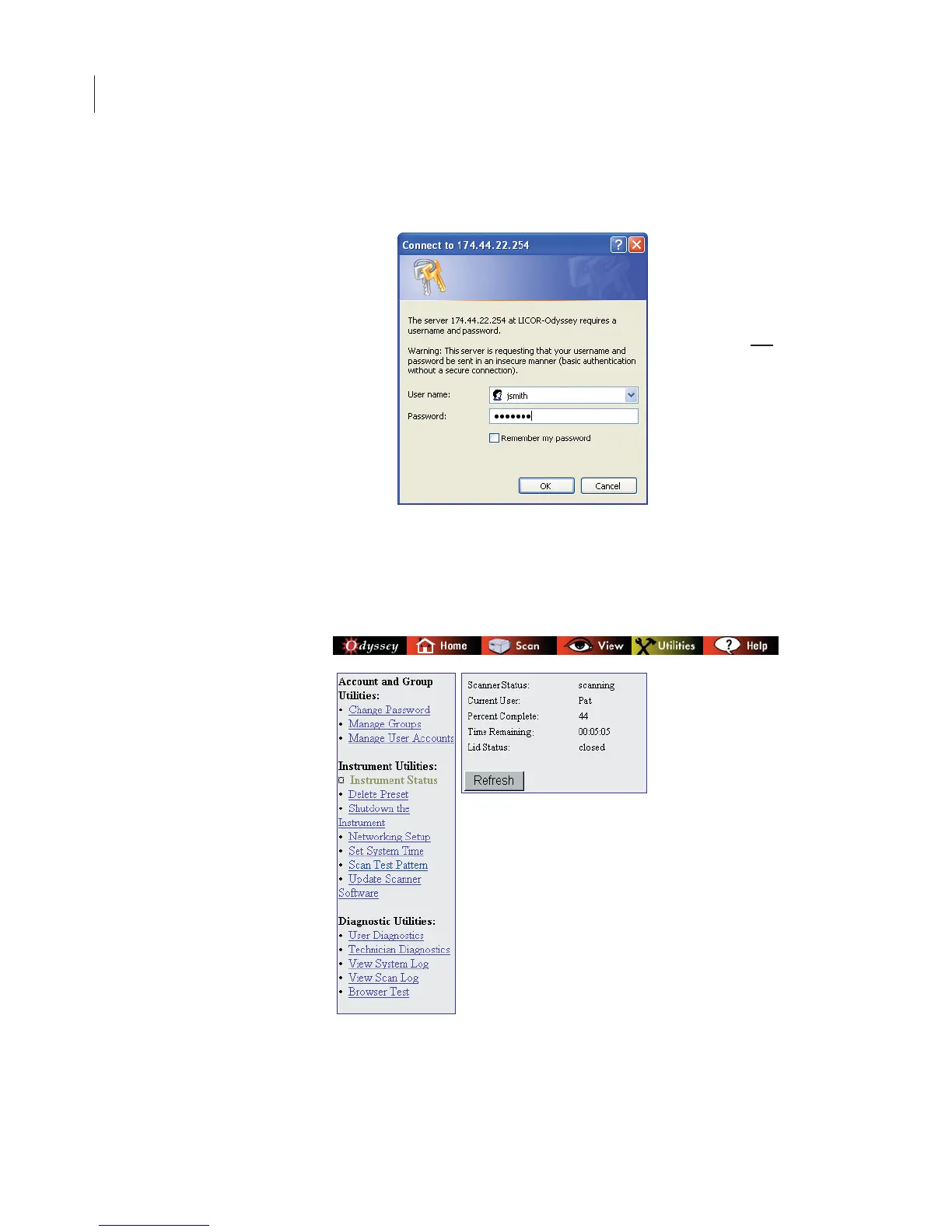
In the Connect window, enter the Odyssey
®
User Name
and
Password
assigned to you.
The Status page is a typical Odyssey page. The navigation bar at the
top of the page indicates that the Status page is in the Utilities
section. The left-side panel has navigation links for the various utility
functions.



 To Next Page