DMTA-20006-01EN, Rev. B, February 2014
Setup and Operation
29
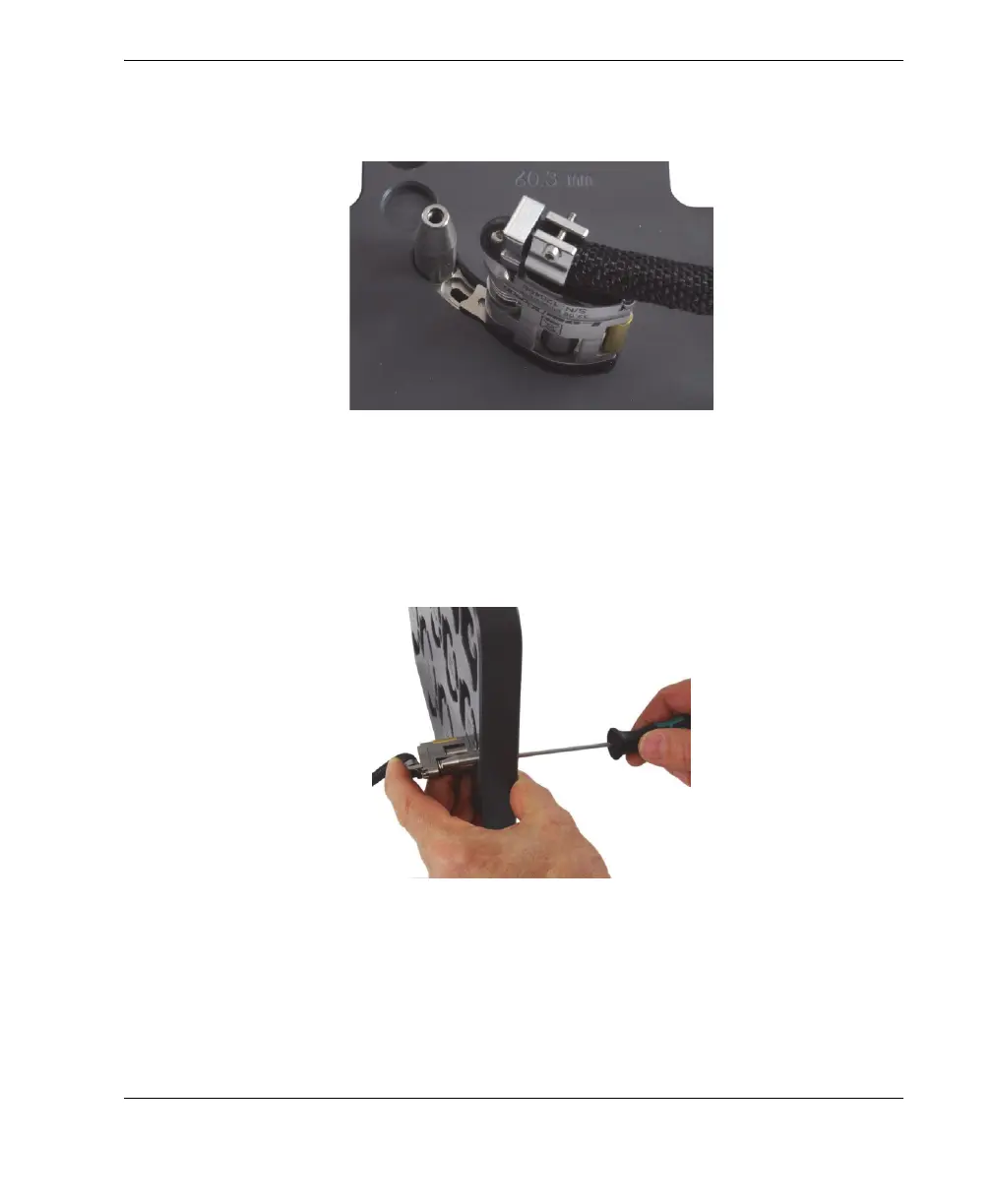
b) Fully insert the tail assembly into its setup template pocket (see Figure 2-8 on
page 29).
Figure 2-8 Insert the tail in its setup template pocket
c) While holding the tail assembly in the pocket, from the opposite side, firmly
tighten the tail-adjustment screw with the 2.5 mm hexagonal driver (see
Figure 2-9 on page 29).
Figure 2-9 Tightening the tail-adjustment screw



 To Next Page