DMTA-20006-01EN, Rev. B, February 2014
Chapter 2
34
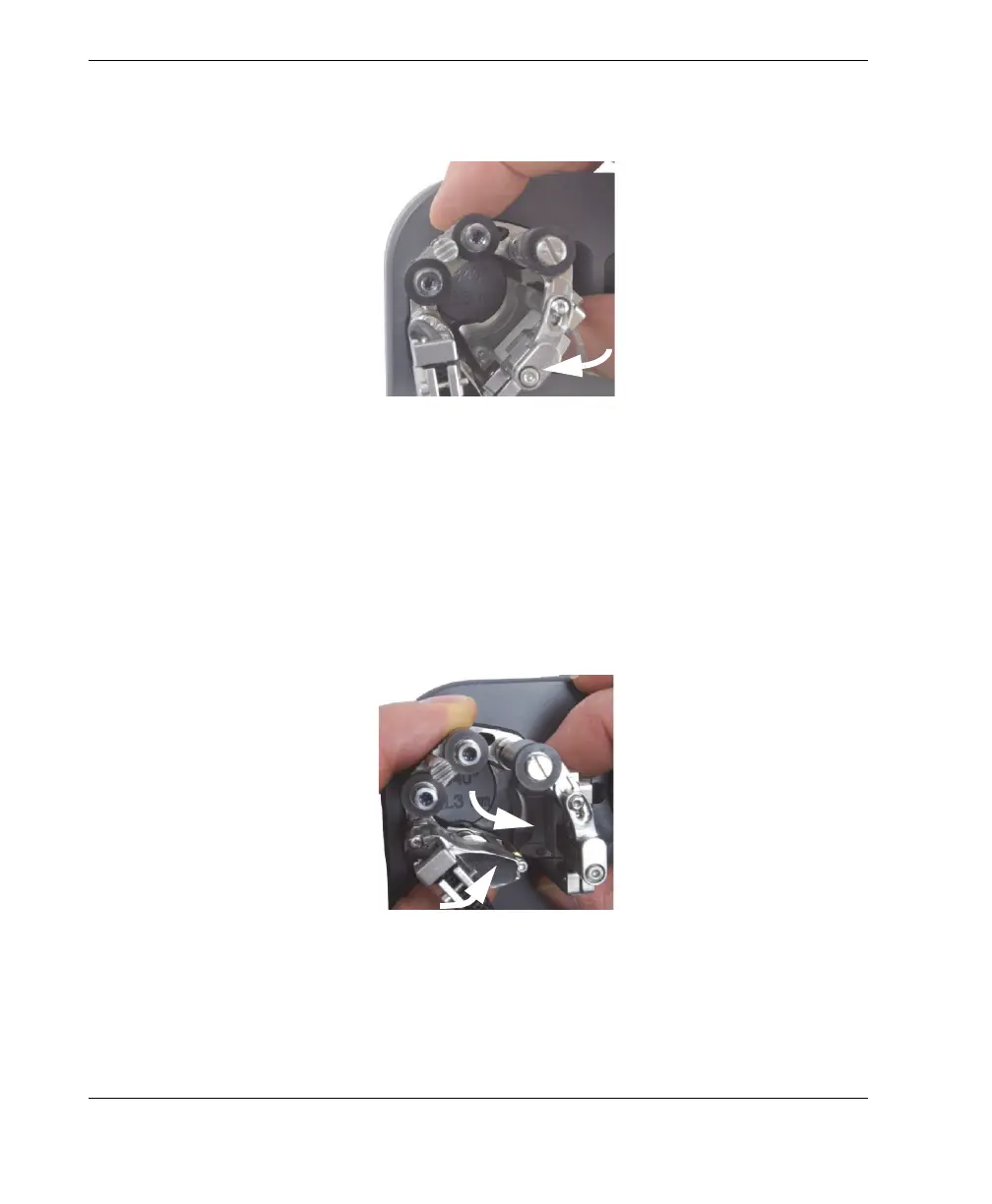
b) Rotate the probe and wedge inward until the wedge touches the stop (see in
Figure 2-17 on page 34).
Figure 2-17 Rotating the probe holder to set position for OD smaller than 33.4 mm
(1.315 in.)
c) Swing the probe-holder assembly outward until the probe and wedge can
slide back into the through hole (see Figure 2-18 on page 34).
d) Lower the scanner fully into the setup template.
e) Rotate the tail inward, as far as possible, so that the tail wheel is positioned
closest to the center of the setup pattern (see Figure 2-18 on page 34).
Figure 2-18 Rotating the tail to set position for a small pipe setup
10. Remove the scanner from the setup template.



 To Next Page