DMTA-20006-01EN, Rev. B, February 2014
Chapter 2
46
d) Close the couplant valve.
e) Review the acquired data.
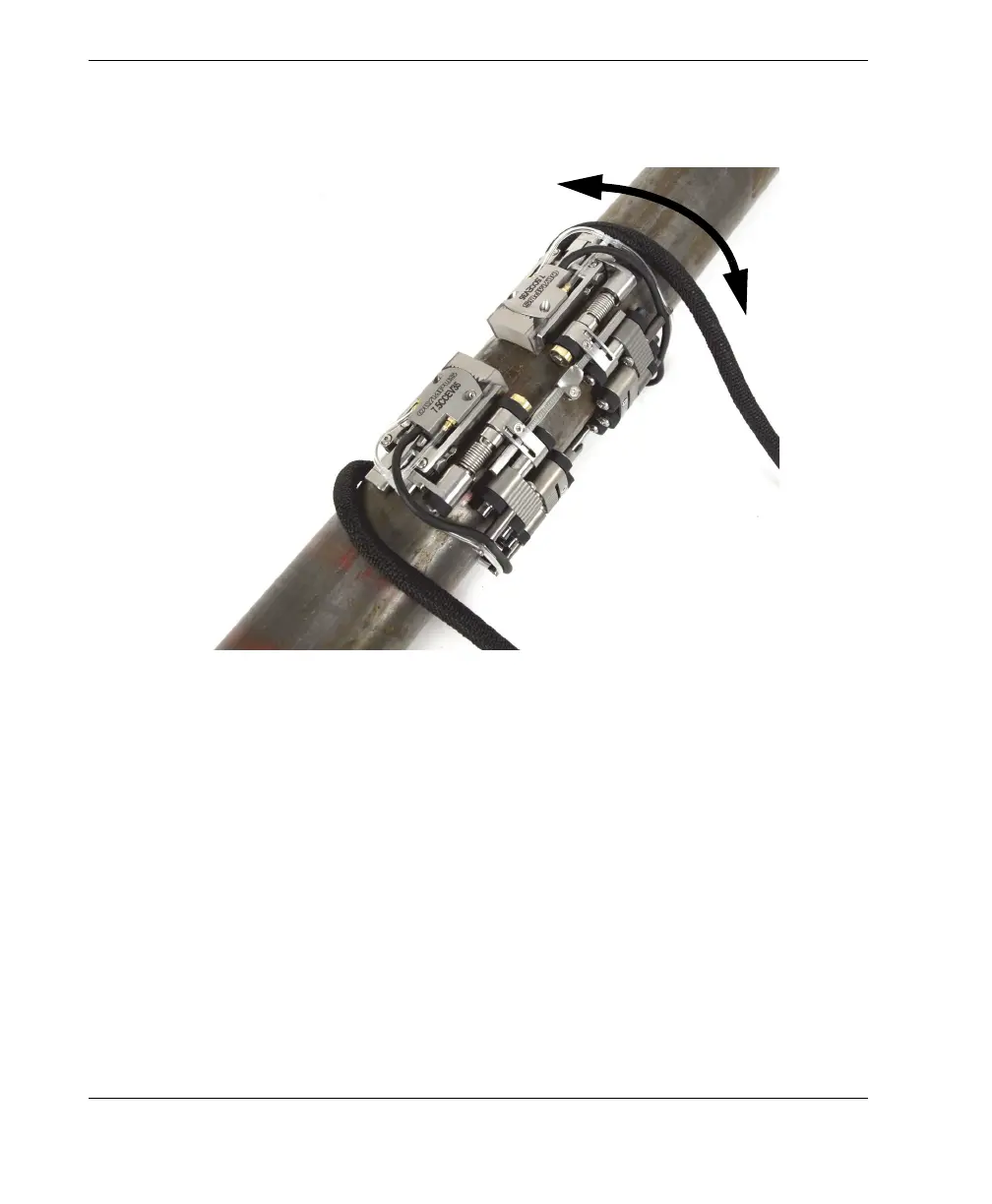
Figure 2-30 Rotating the scanner
10. Remove the scanner from the pipe:
When the scanner is configured for two-sided inspection, simply pull on the
cross bar.
OR
When the scanner is configured for one-sided inspection, pull on the cable
post with one finger and pull the wheels on the other side with another finger
to remove the scanner.
Never pull on the cables themselves.



 To Next Page